Arcwell WP Theme
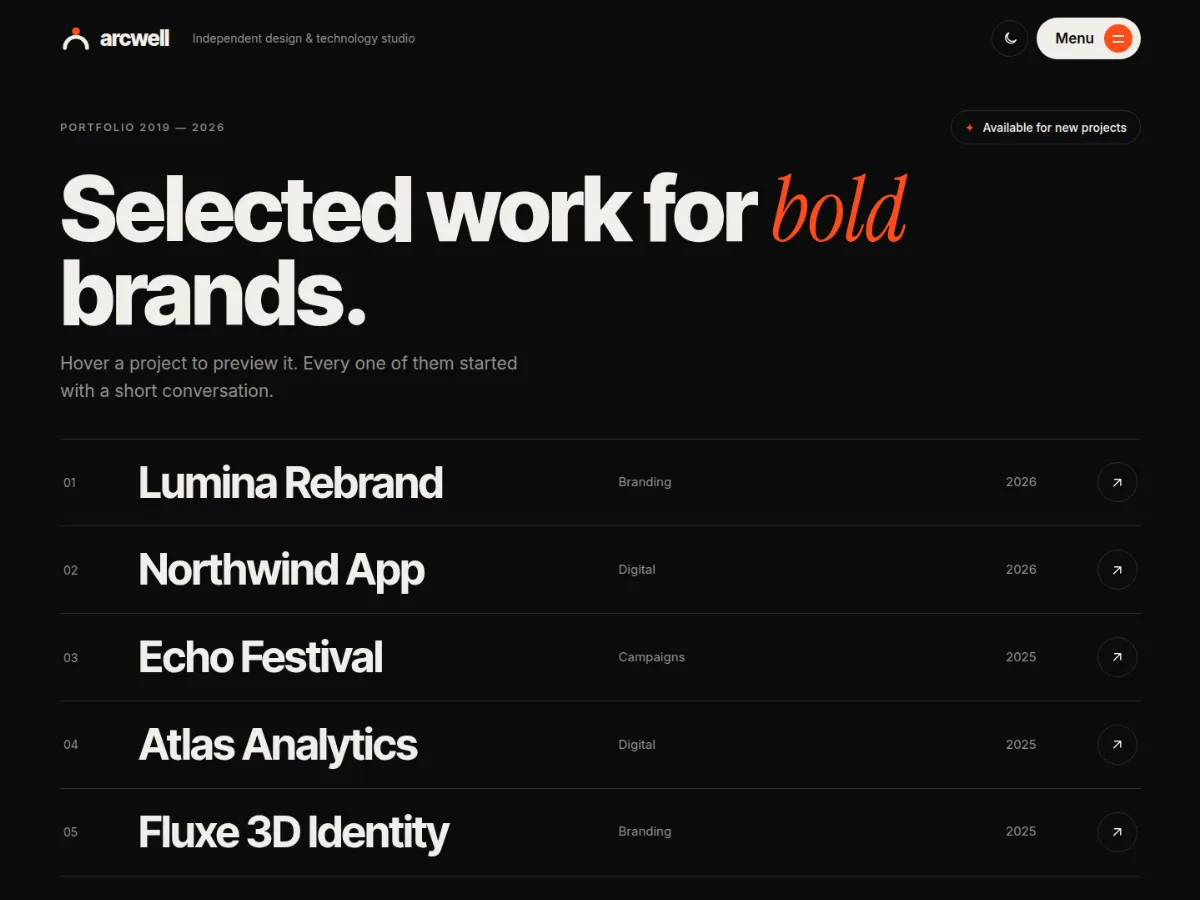
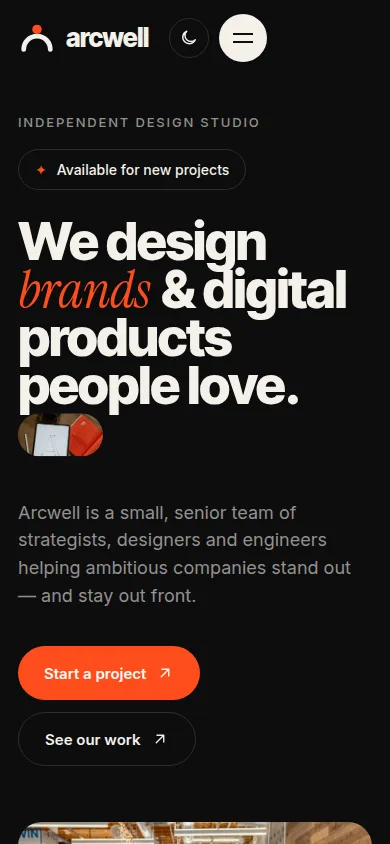
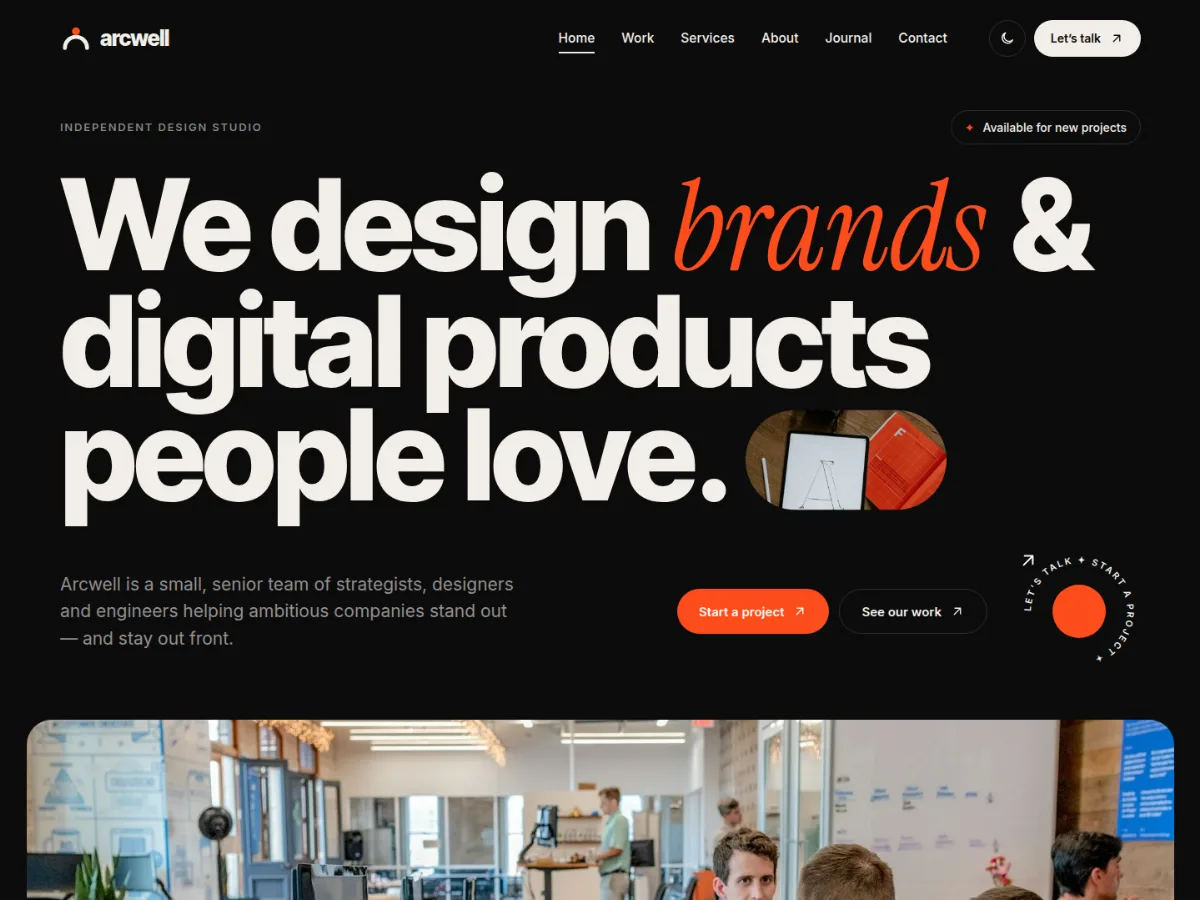
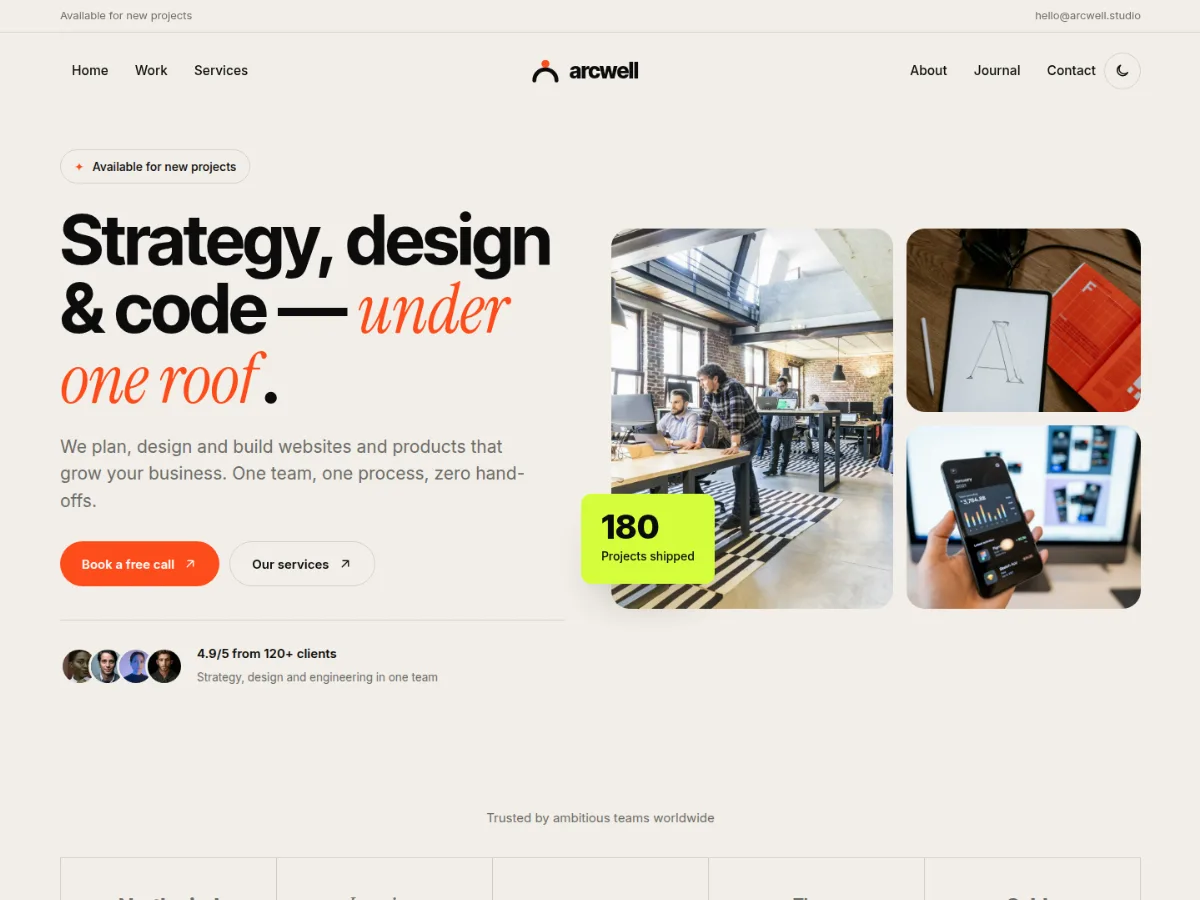
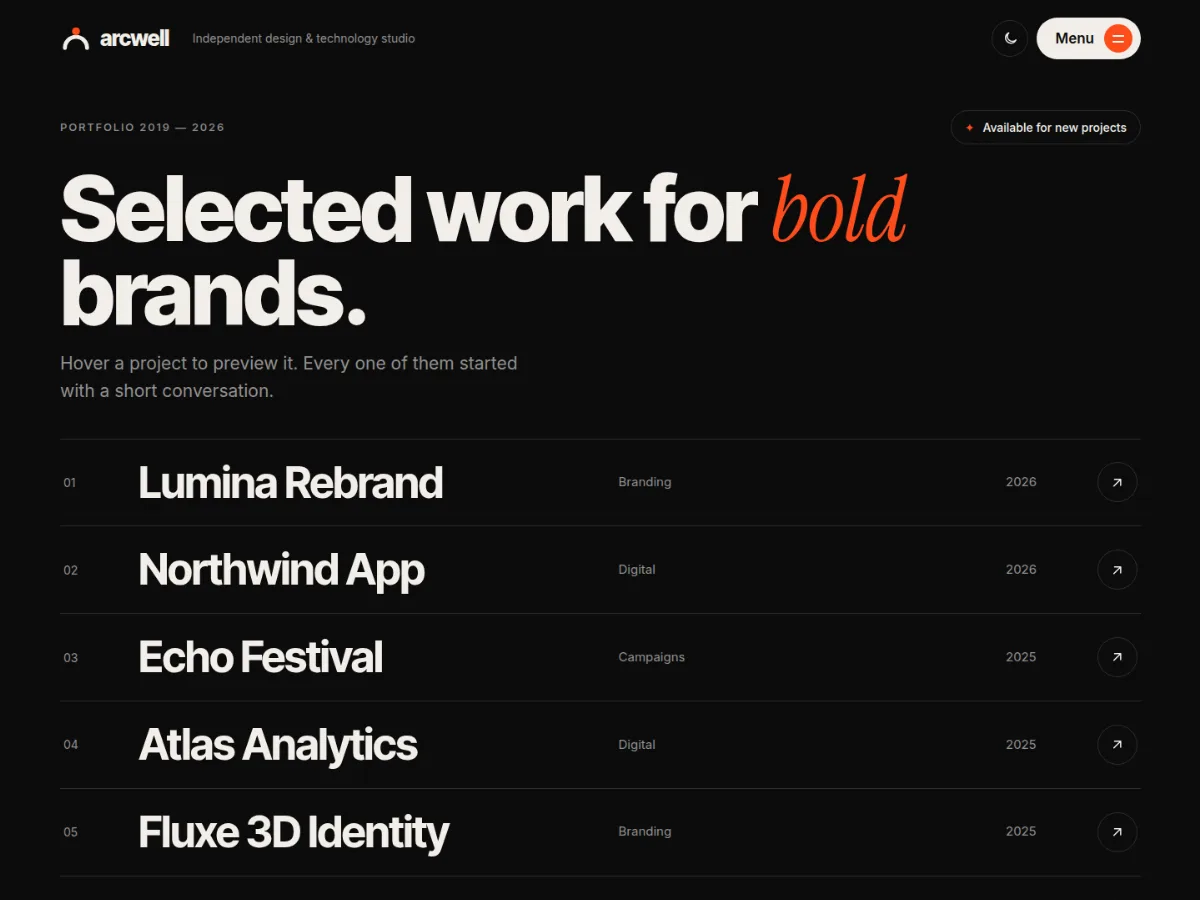
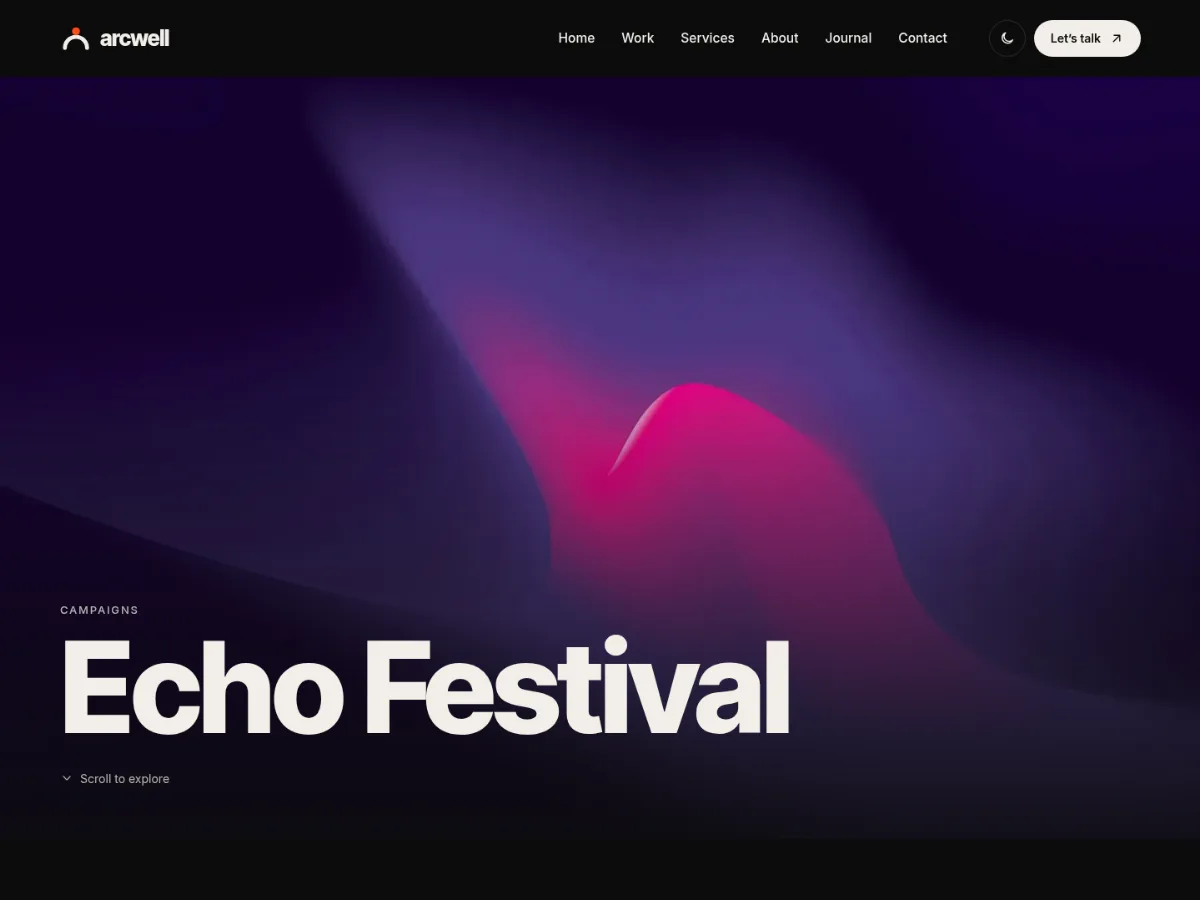
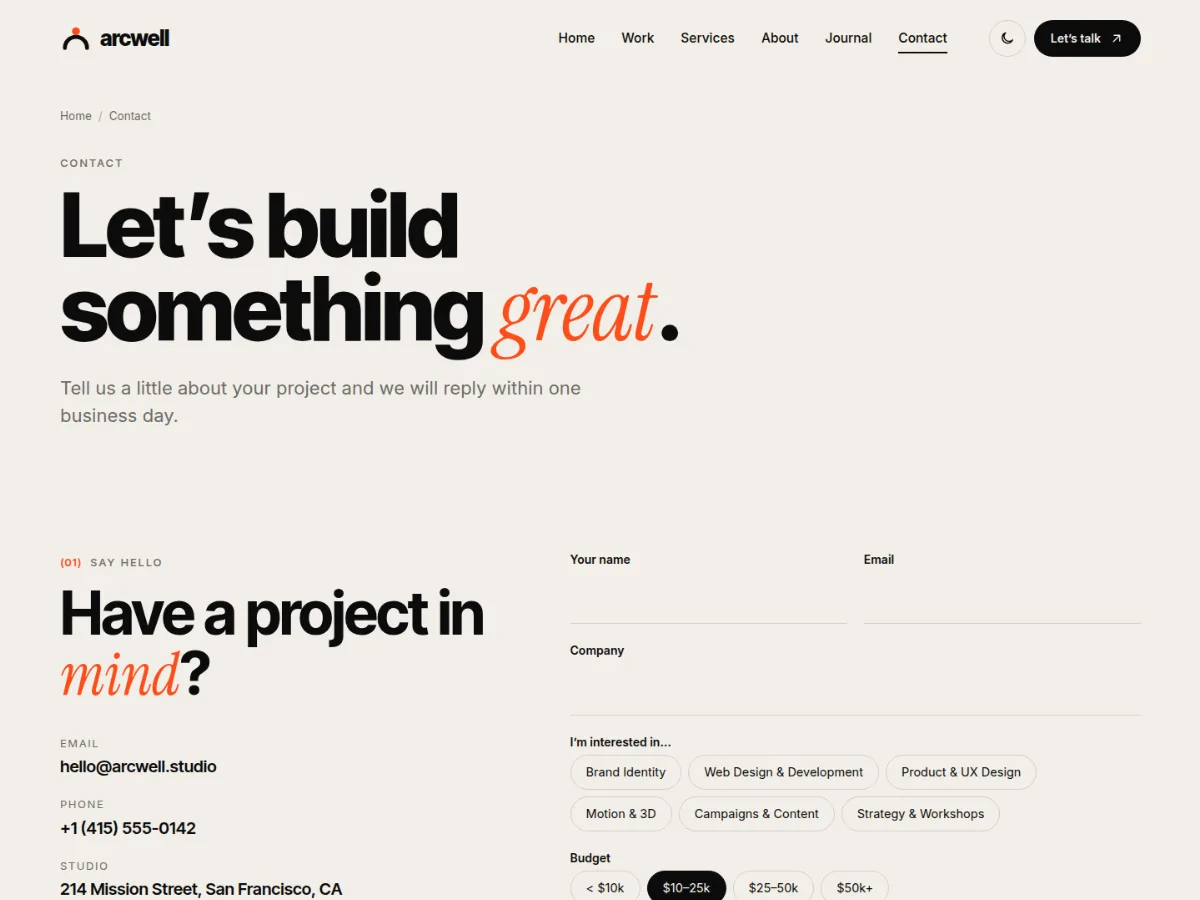
Arcwell is a free WordPress theme for design studios, digital agencies and freelancers who want their site to feel as crafted as their work: giant editorial typography with italic serif accents, warm paper-and-ink colours, marquees, a rotating "Let's talk" badge, project lists where the image follows your cursor, magnetic buttons and smooth scroll reveals.
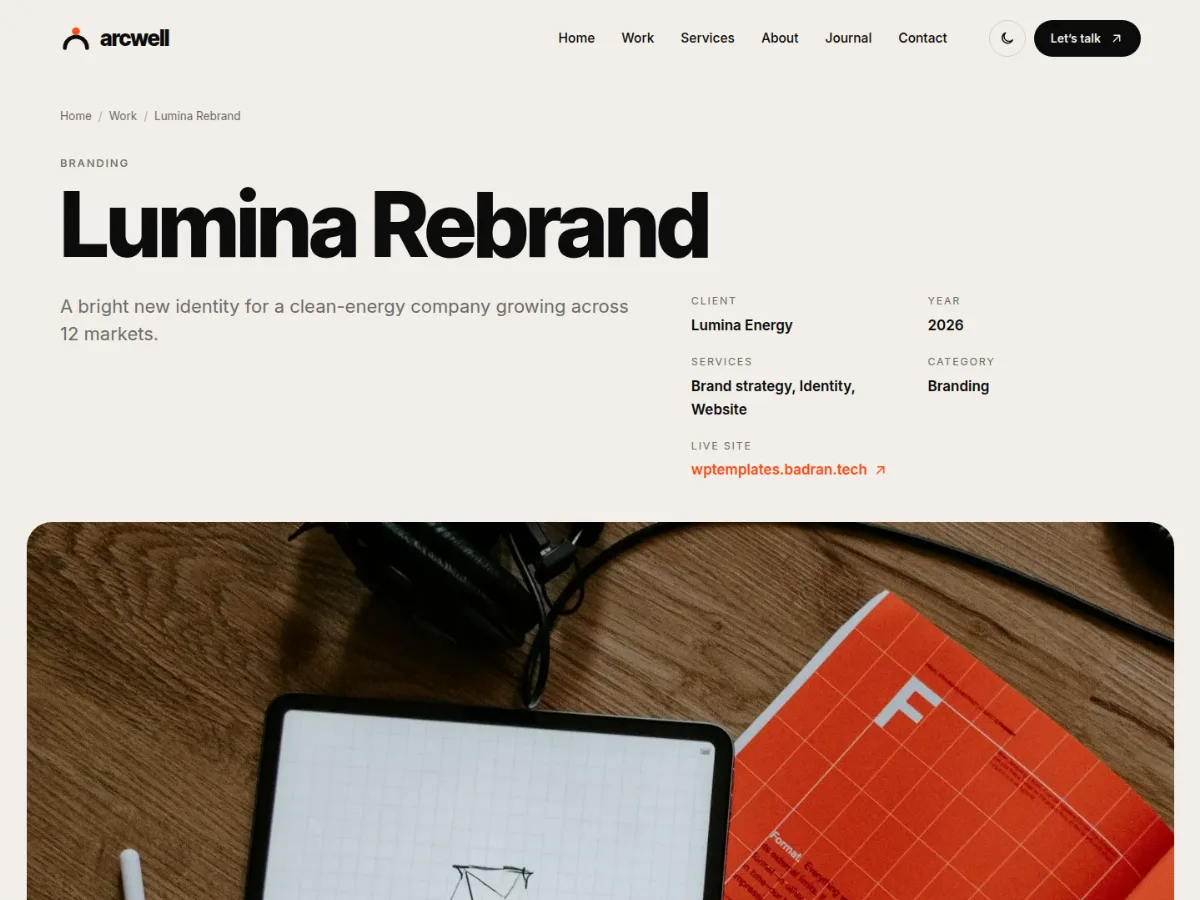
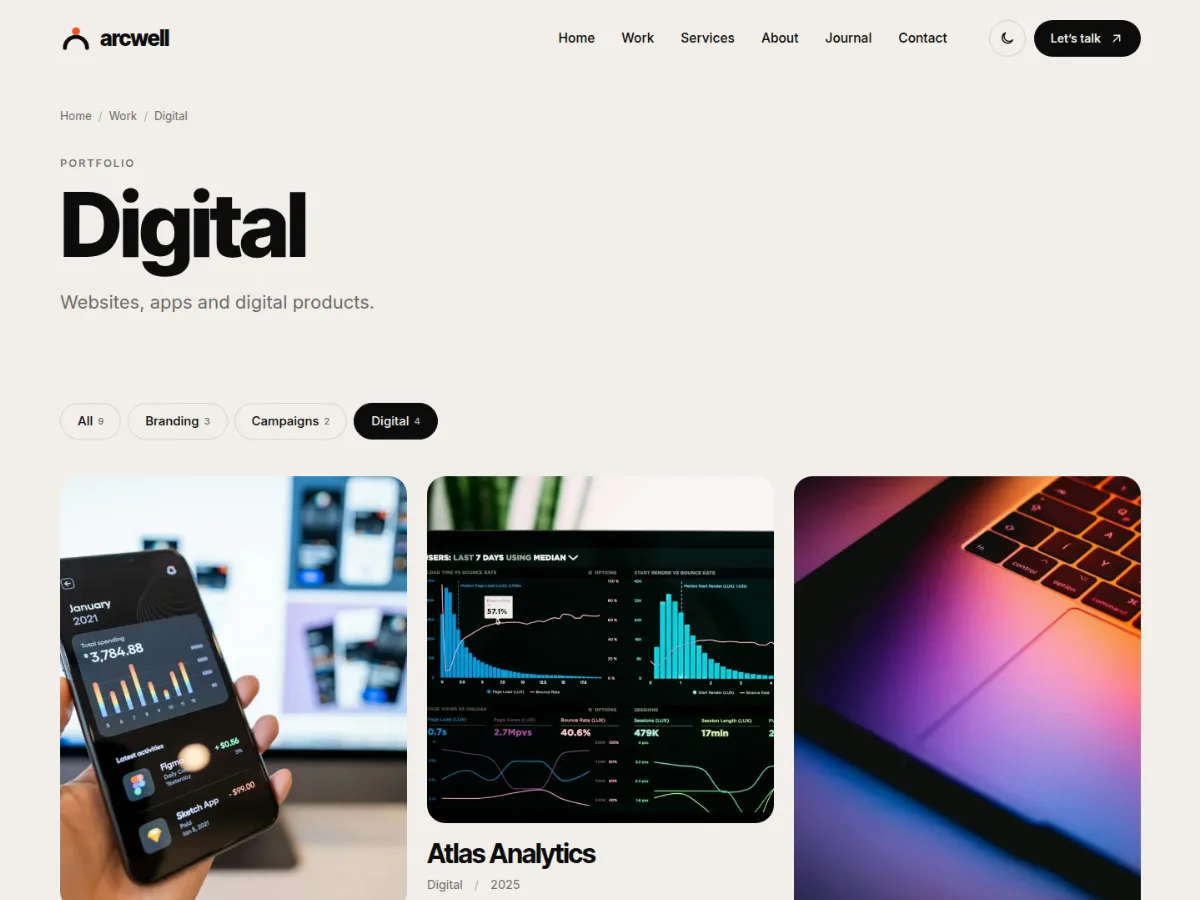
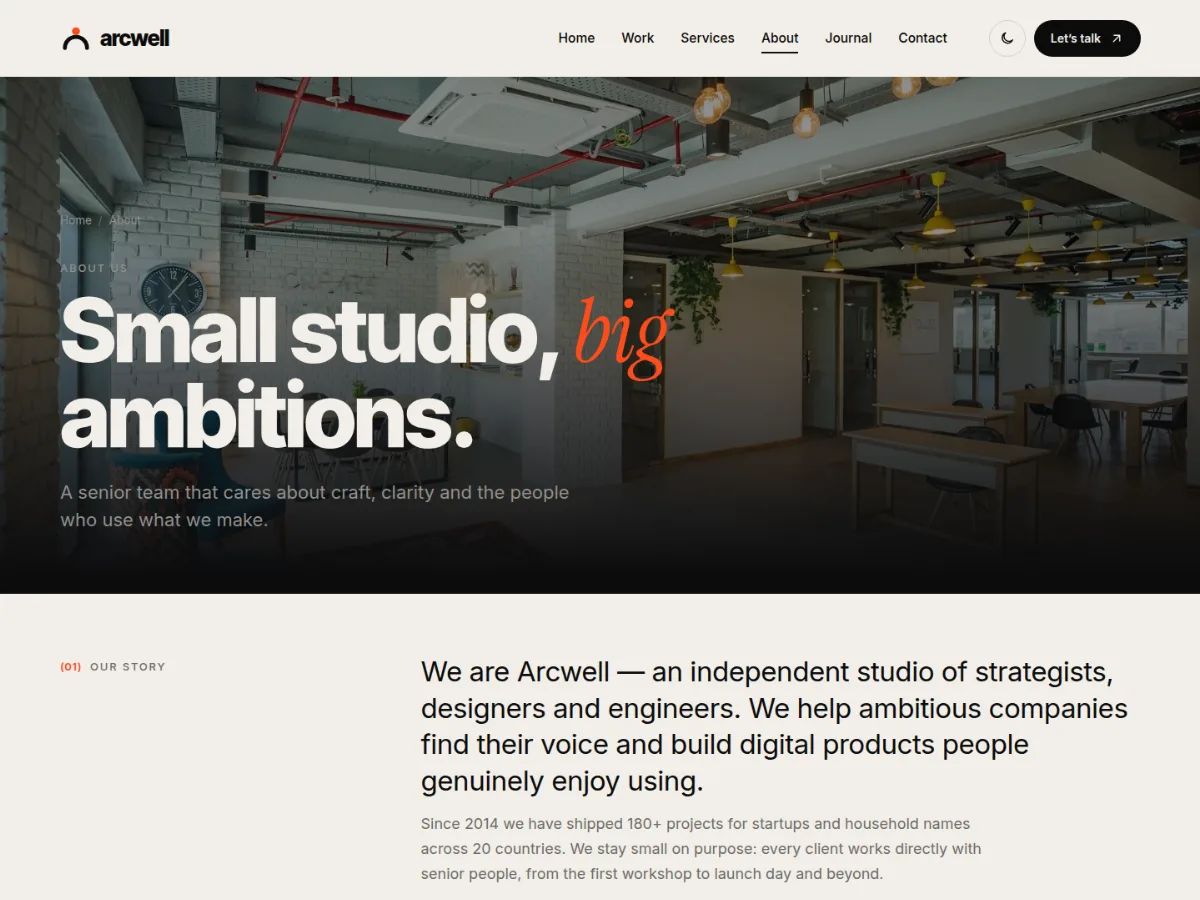
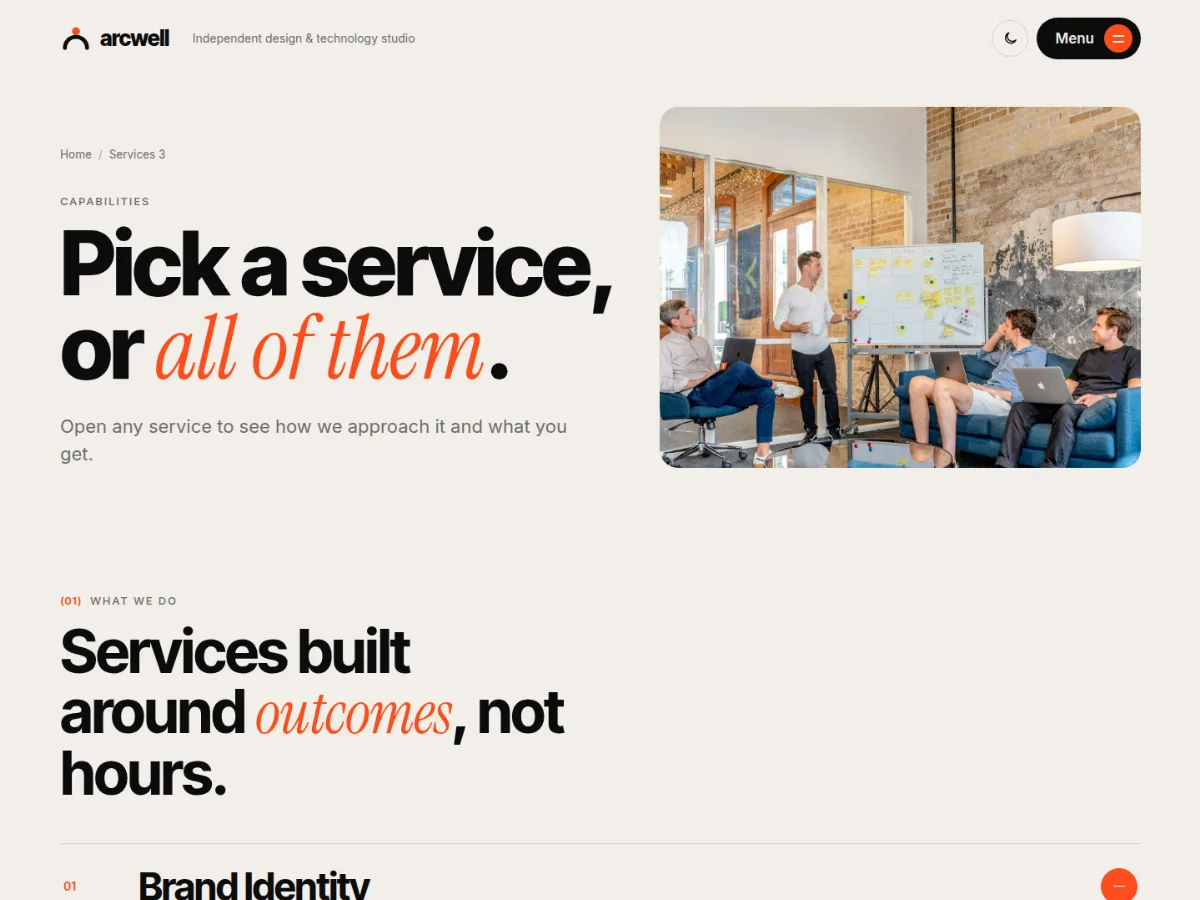
Every page type comes in three prebuilt designs: Home 1 — Studio, Home 2 — Digital Agency and Home 3 — Portfolio; three headers (Classic, Centered split, Minimal with a full-screen menu); three portfolio archives (grid, masonry, hover list); three case-study layouts (Case study, Split, Immersive); three blog archives, three post layouts, and three designs each for About, Services and Contact. Pick defaults in the Customizer and override them per page, project, post or category.
Projects, services, team members and testimonials are real content types (via the free Arcwell Core companion plugin, installed in one click), and the contact form is built in — with spam protection and no extra plugin. Stats, process, pricing, FAQ, awards and studio details are edited in the Customizer.
Arcwell comes in two editions with the same designs: the WordPress theme, and an HTML template (36 pages of HTML5, CSS3 and vanilla JavaScript with documentation). Download either one, or both in one package.
Prebuilt Designs
- 3 home pages: Studio, Digital Agency, Portfolio
- 3 headers: Classic, Centered split, Minimal + full-screen menu
- 3 portfolio archives and 3 case-study layouts
- 3 blog archives and 3 post layouts
- 3 designs each for About, Services and Contact
HTML Template Edition
- 36 pages with the same designs
- Static contact form with thank-you state
- Vanilla JS, no build step
- Full documentation included
Motion
- Scroll reveals and number counters
- Hover image previews that follow the cursor
- Magnetic buttons and rotating badges
- Marquees and drag-to-scroll work slider
- Respects reduced-motion settings
Content
- Projects with categories, client, year, services, results and gallery
- Services with icons and sub-services
- Team members and testimonials
- Built-in contact form with spam protection
Customizer
- Accent and highlight colours
- Dark mode switch
- Stats, process, pricing, FAQ, awards, clients
- Layout defaults with per-item overrides
Installation
- Download the theme zip from this page (free account required).
- In WordPress go to Appearance › Themes › Add New › Upload Theme, choose arcwell-wp-theme-1.0.2.zip and click Activate.
- Click "Install & activate Arcwell Core" in the notice (free companion plugin for projects, services, team and testimonials).
- Optional: install One Click Demo Import and go to Appearance › Import Demo Data to load the full agency demo.
- Set colours and layout defaults in Appearance › Customize, and studio details in "Studio details & sections".
Changelog
Version 1.0.2 — 3 November 2026
- Light mode now also works on pages that are dark by design (Home 1, Home 3, immersive case studies, list portfolio).
Version 1.0.1 — 3 November 2026
- Headings now use Inter Tight — clean, natural proportions (replaces Syne).
Version 1.0.0 — 3 November 2026
- Initial release.
Credits
- Inter Tight, Inter and Instrument Serif fonts — SIL Open Font License 1.1
- Icons (inline SVG, drawn for the theme) — GPLv2 or later
- Demo photos (Unsplash) — Unsplash License