Belex WP Theme
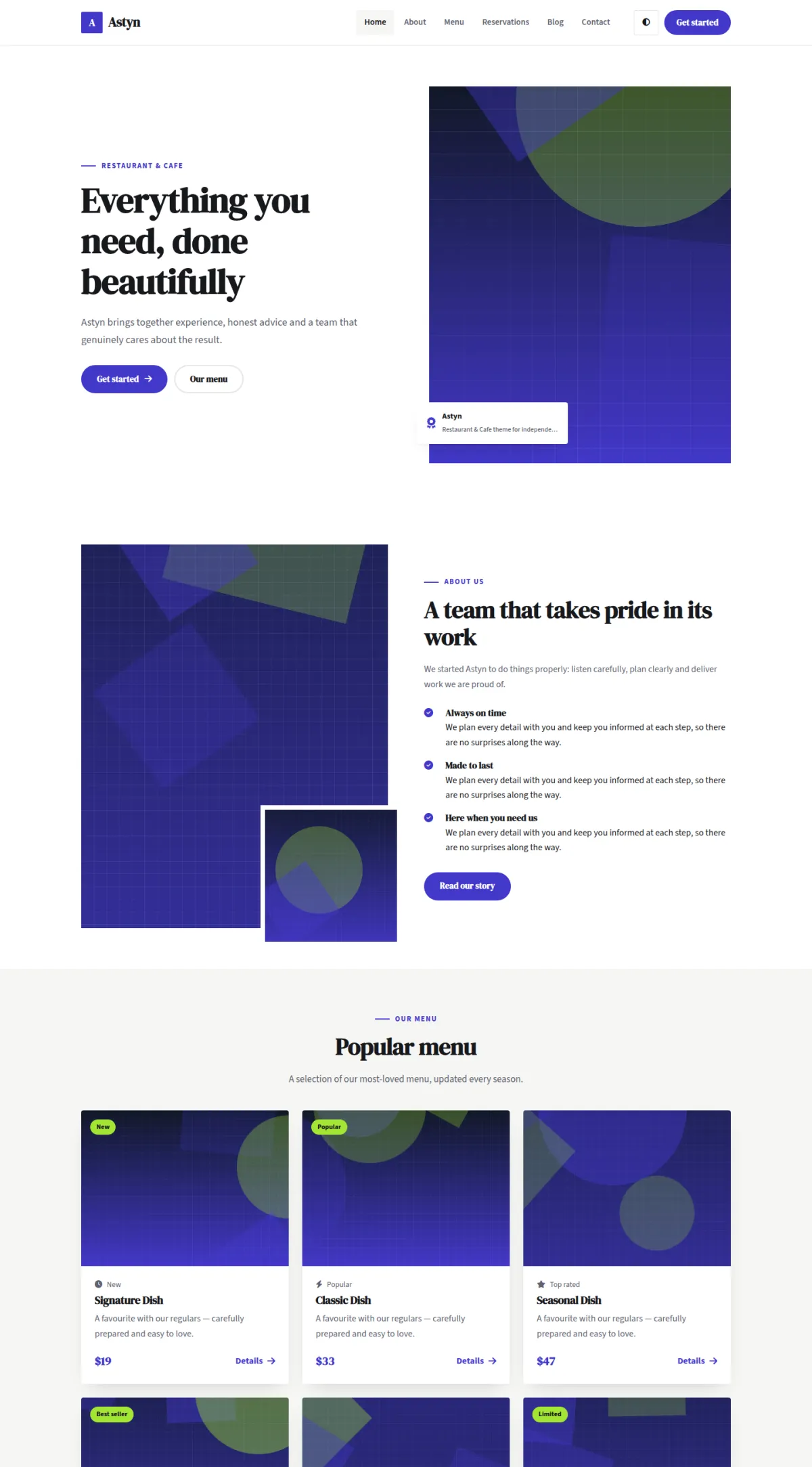
Belex is a clean, confident restaurant & cafe theme with clear layouts and room for great photography.
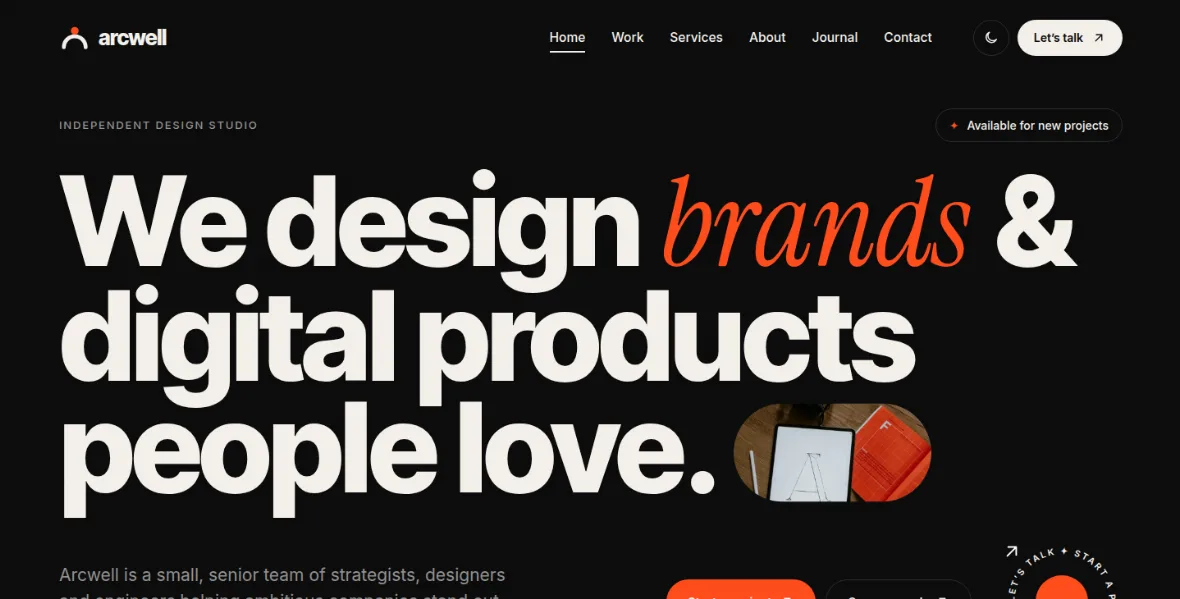
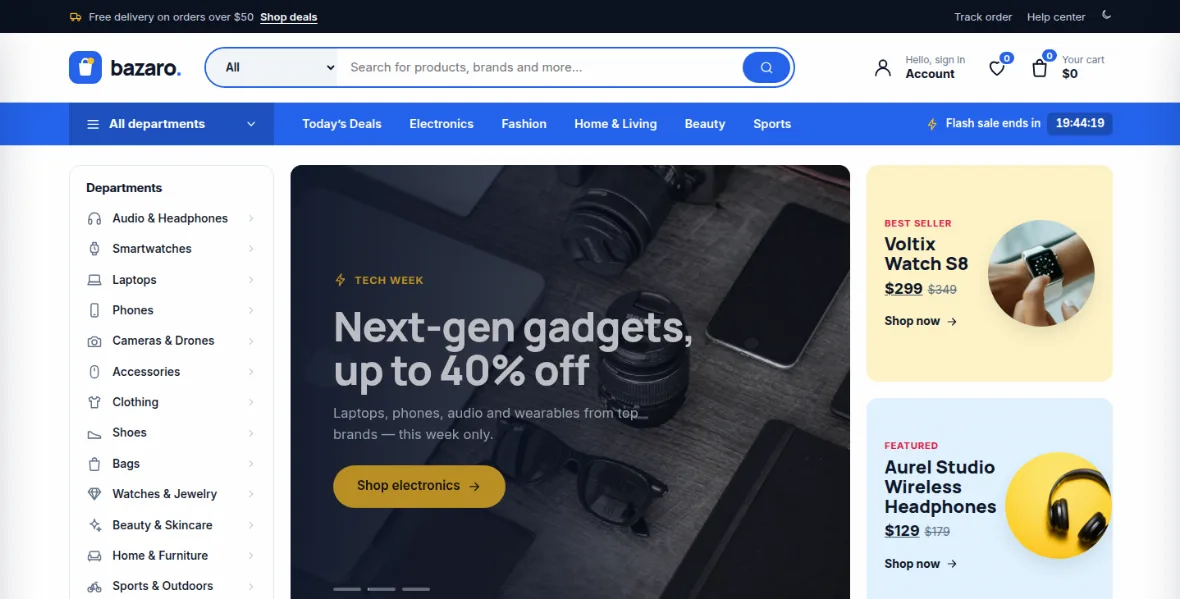
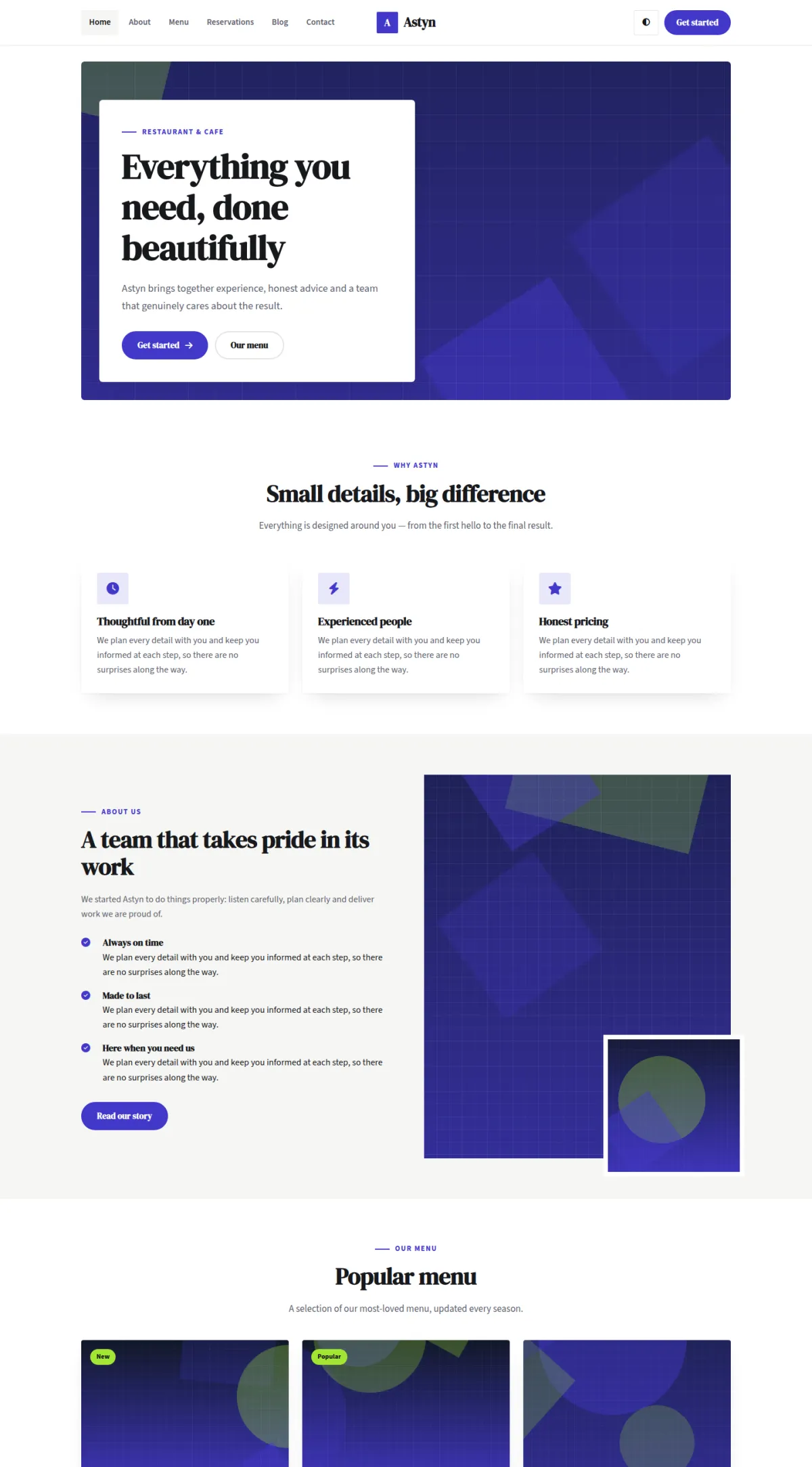
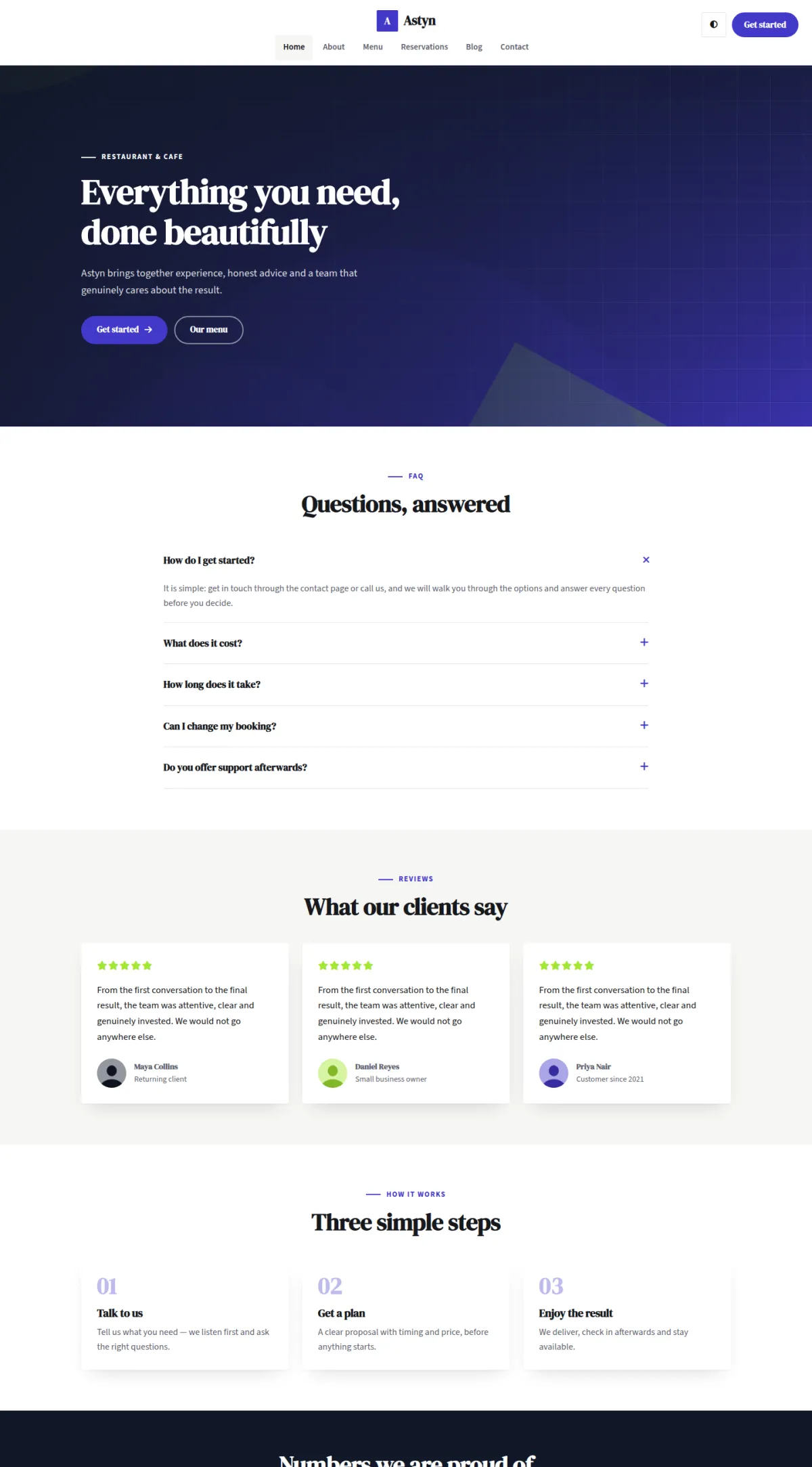
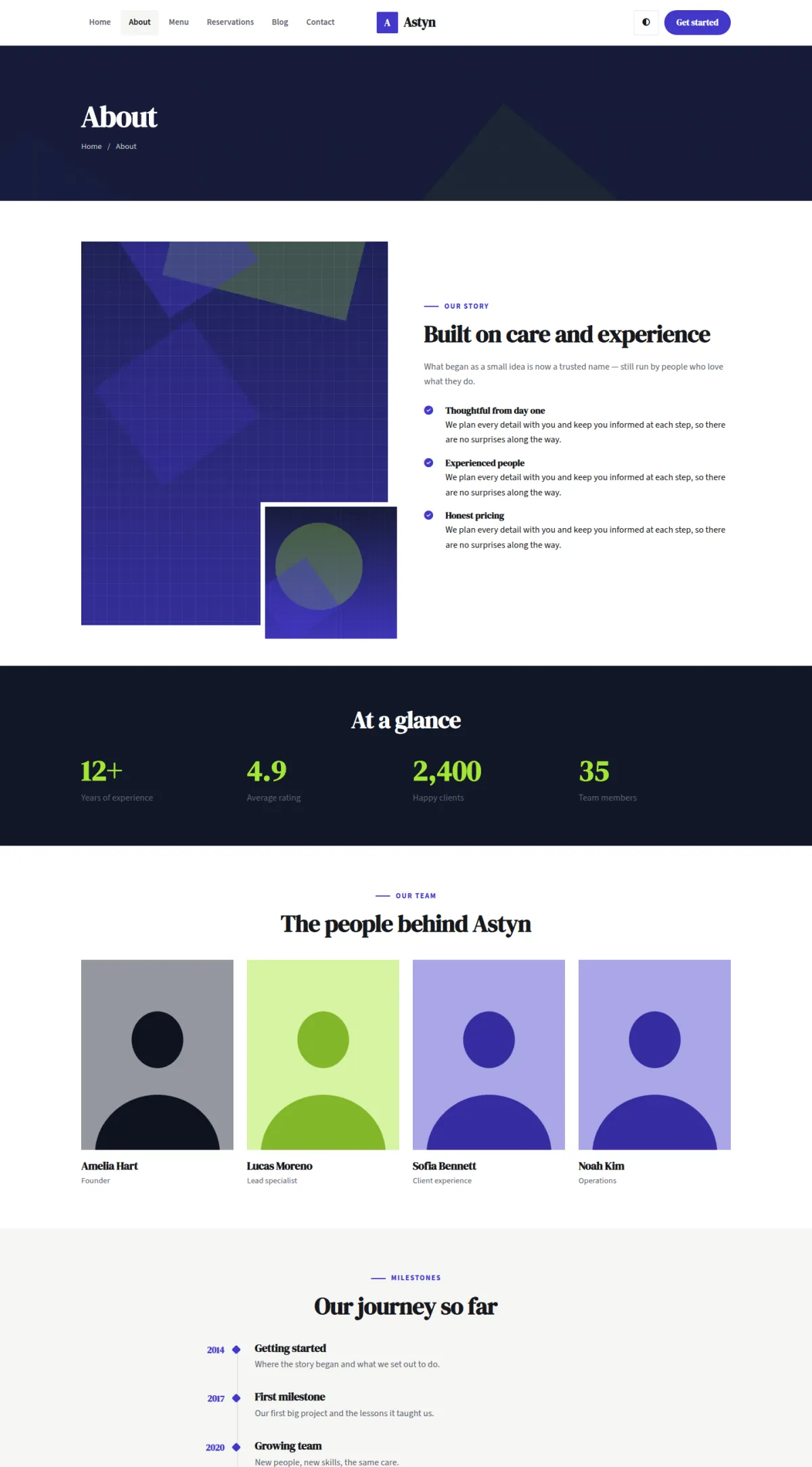
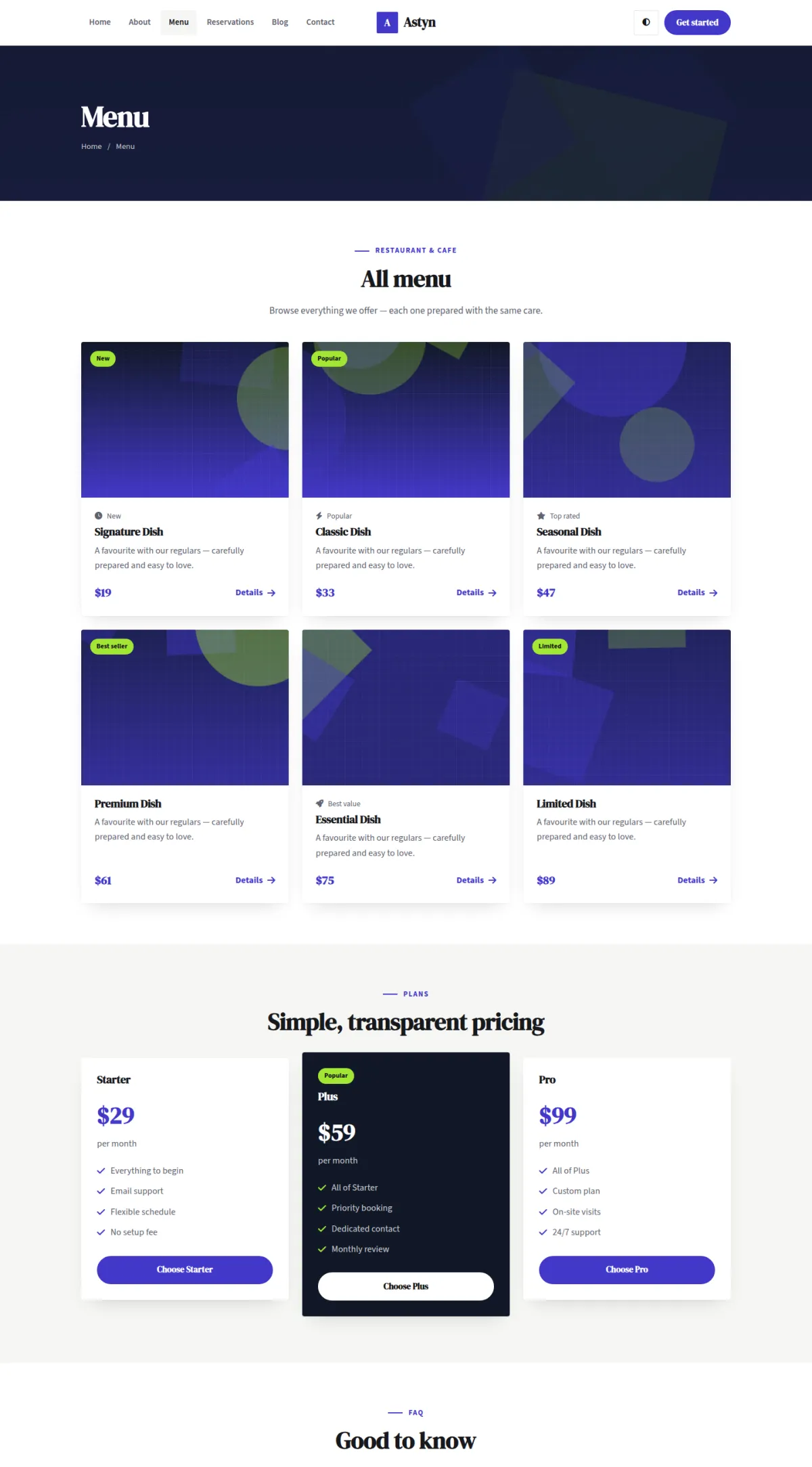
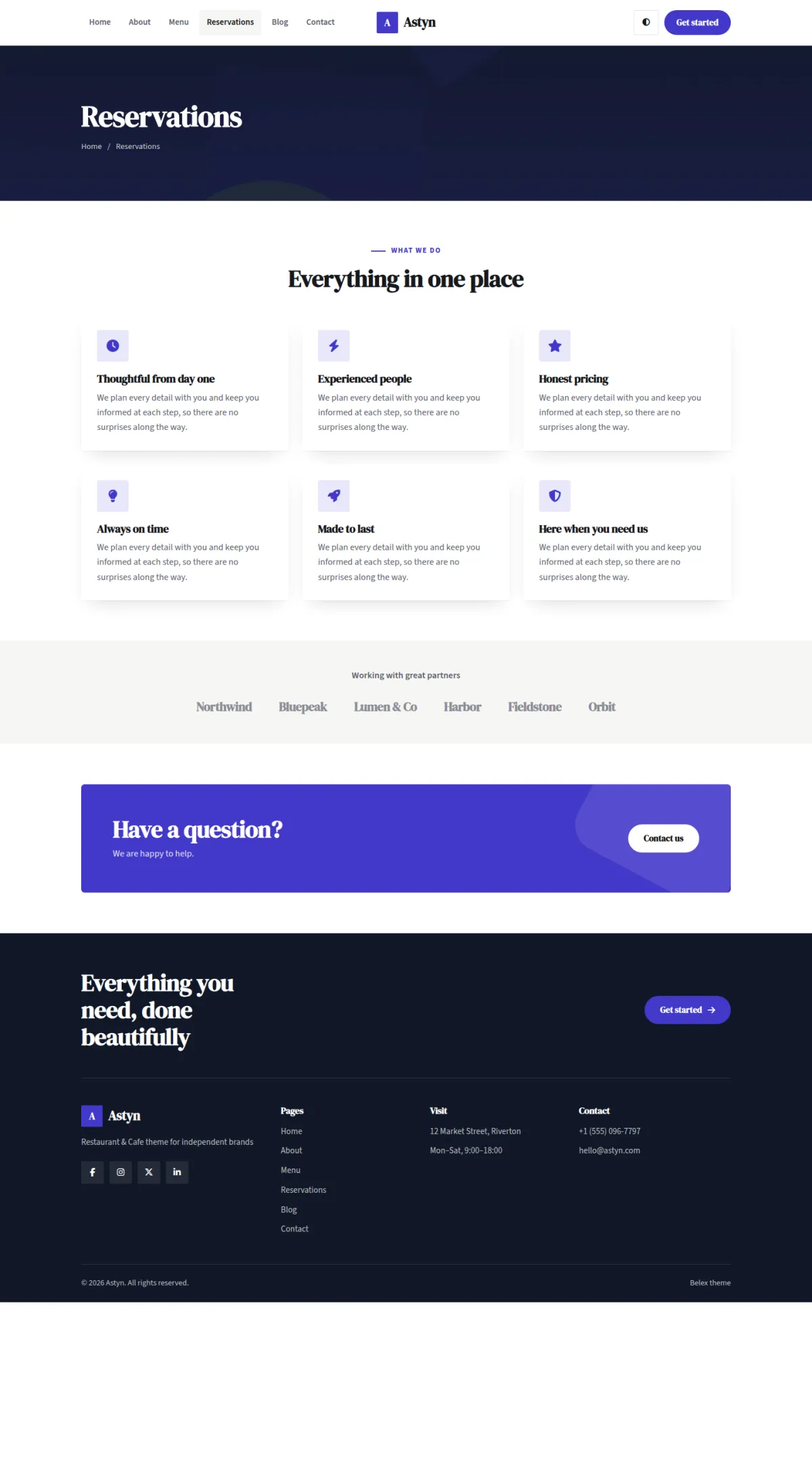
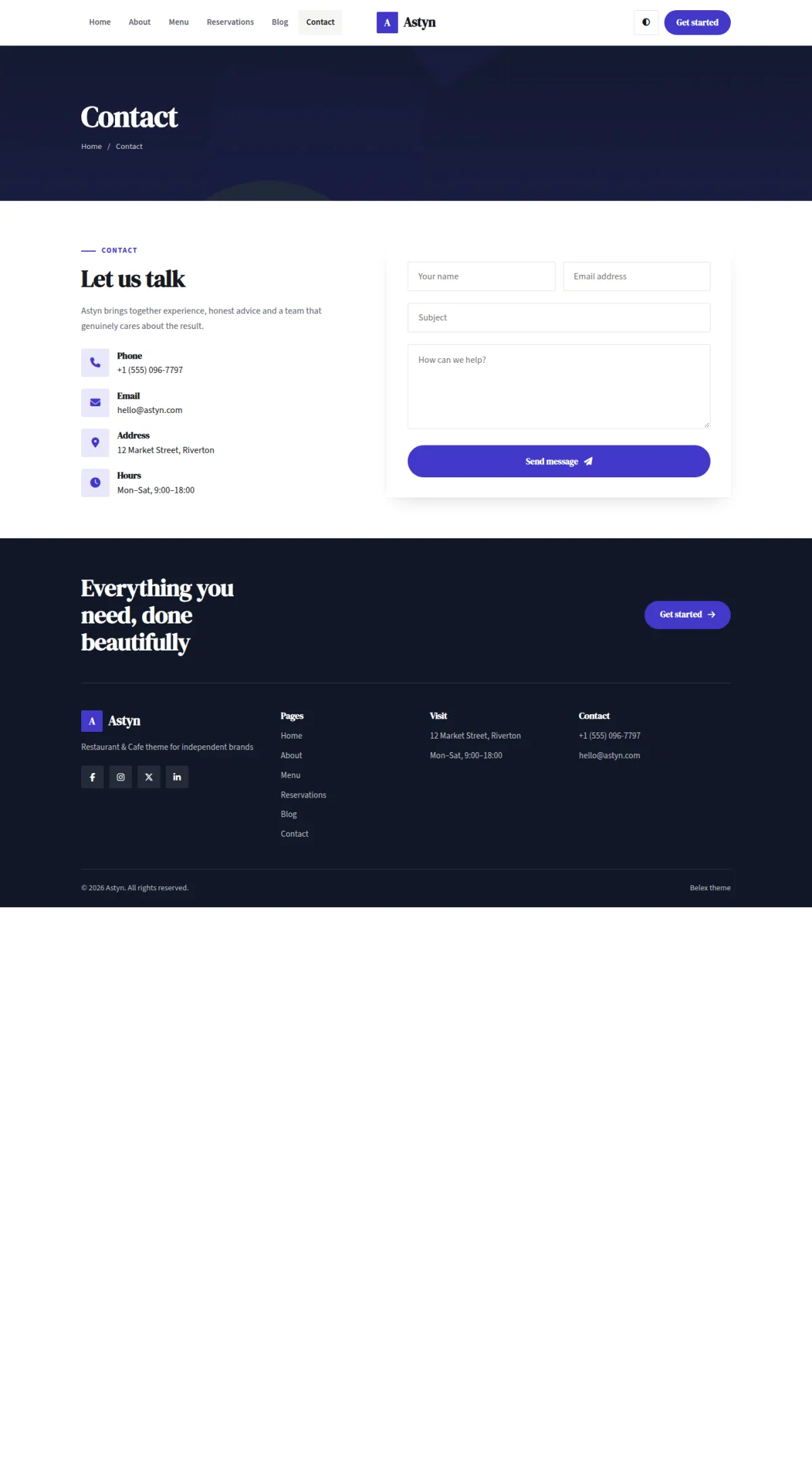
Belex is a professional restaurant & cafe WordPress theme and HTML template with three prebuilt home pages, a live colour customizer and every page you need to launch.
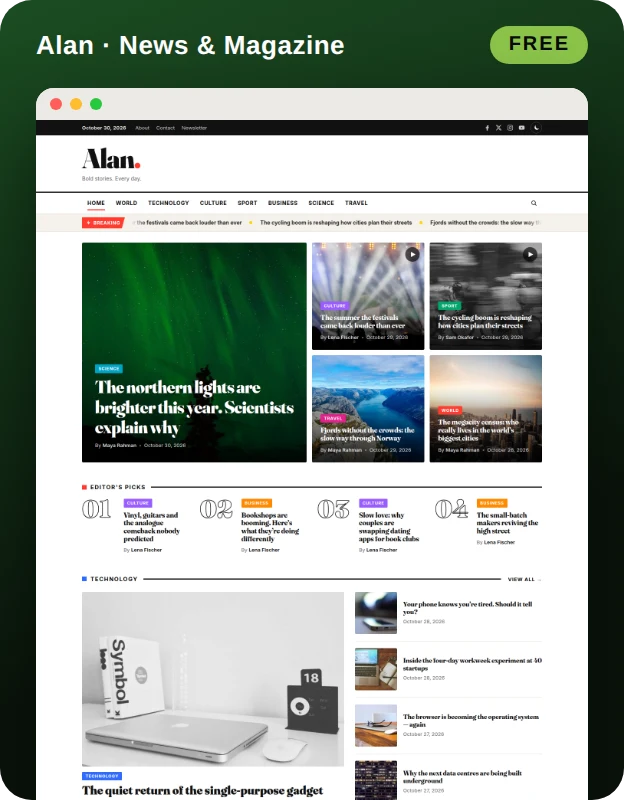
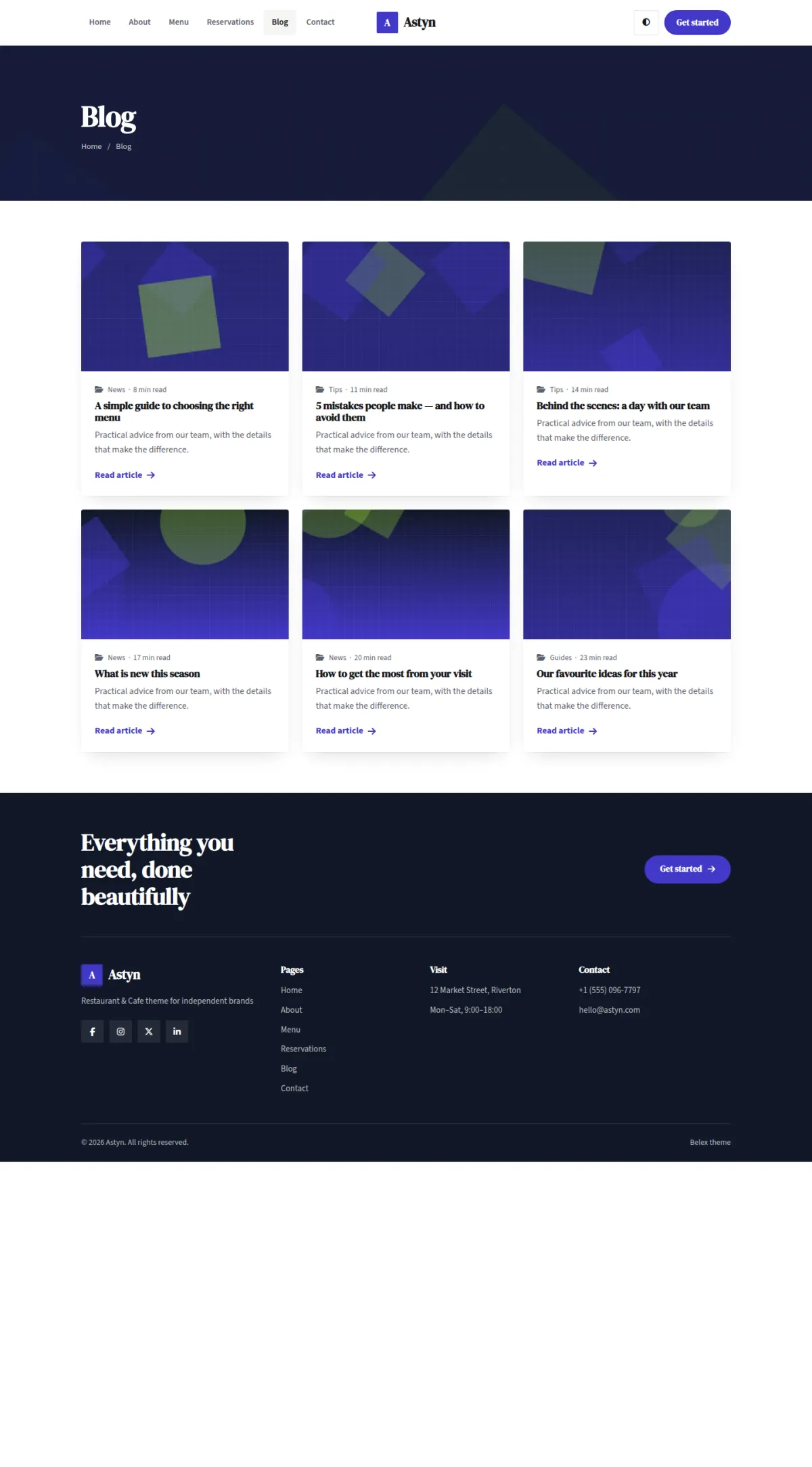
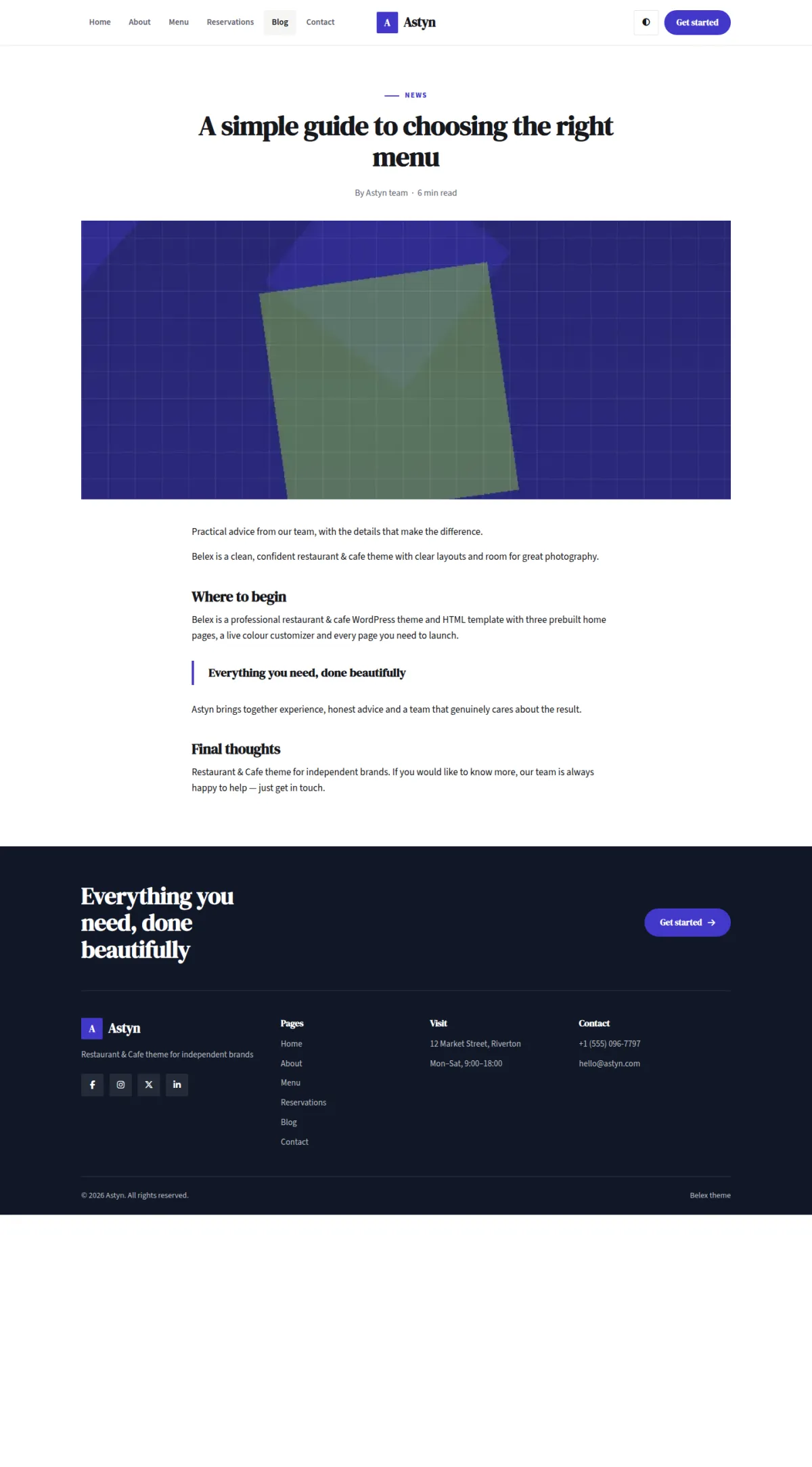
Every page type comes in prebuilt designs — three home pages, four header styles, three blog archives and three post layouts — and the live demo has a colour customizer so you can try your own brand colours before you download.
Prebuilt Designs
- 3 home pages with different heroes and headers
- 4 header styles and 3 footer styles
- 3 blog archives and 3 post layouts
- About, Menu, Reservations and Contact pages
Made for Restaurant & Cafe
- 3 prebuilt home pages
- 3 header styles
- 3 blog layouts
- Live colour customizer
- Light and dark mode
- Fully responsive
Customization
- Primary, secondary and accent colours
- Light and dark mode with a visitor toggle
- Header, footer and blog layout options
- Contact details from the Customizer
Under the Hood
- Clean, accessible markup with skip link and focus styles
- Fully responsive
- Translation ready
- One-click page and menu setup
Installation
- Download the theme zip from this page (free account required).
- In WordPress go to Appearance › Themes › Add New › Upload Theme, choose belex-wp-theme-1.0.0.zip and click Activate.
- Open Appearance › Belex Setup and click "Create pages and menu" to load the demo pages, front page and menu.
- Set colours, light/dark mode, header, footer and blog layout in Appearance › Customize › Theme design.
Changelog
Version 1.0.0 — 3 November 2026
- Initial release.
Credits
- DM Serif Display and Source Sans 3 (Google Fonts) — SIL Open Font License 1.1
- Font Awesome Free icons — CC BY 4.0 / SIL OFL 1.1
- Demo artwork (generated by wtheme) — GPLv2 or later