Bazaro WP Theme
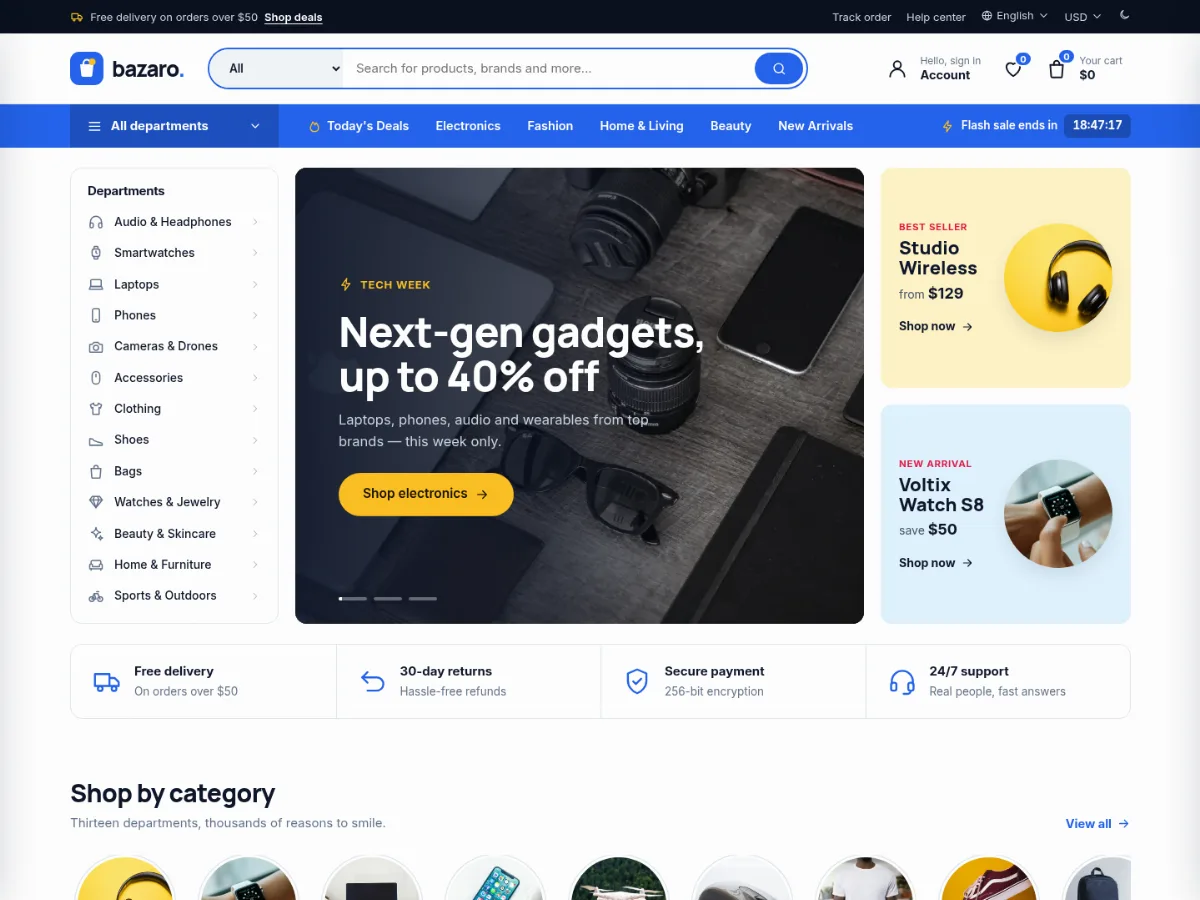
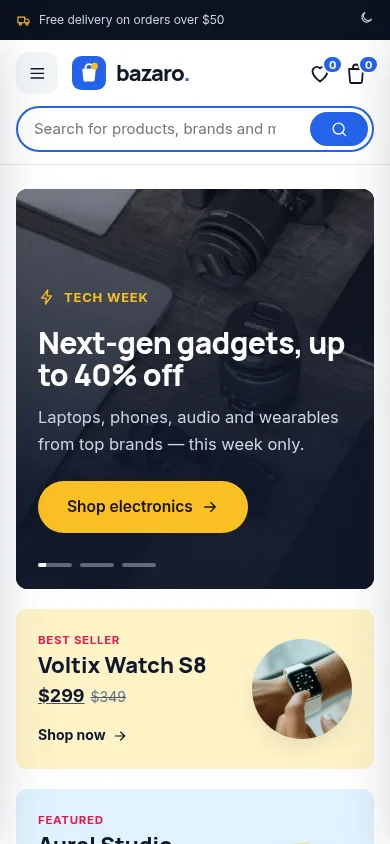
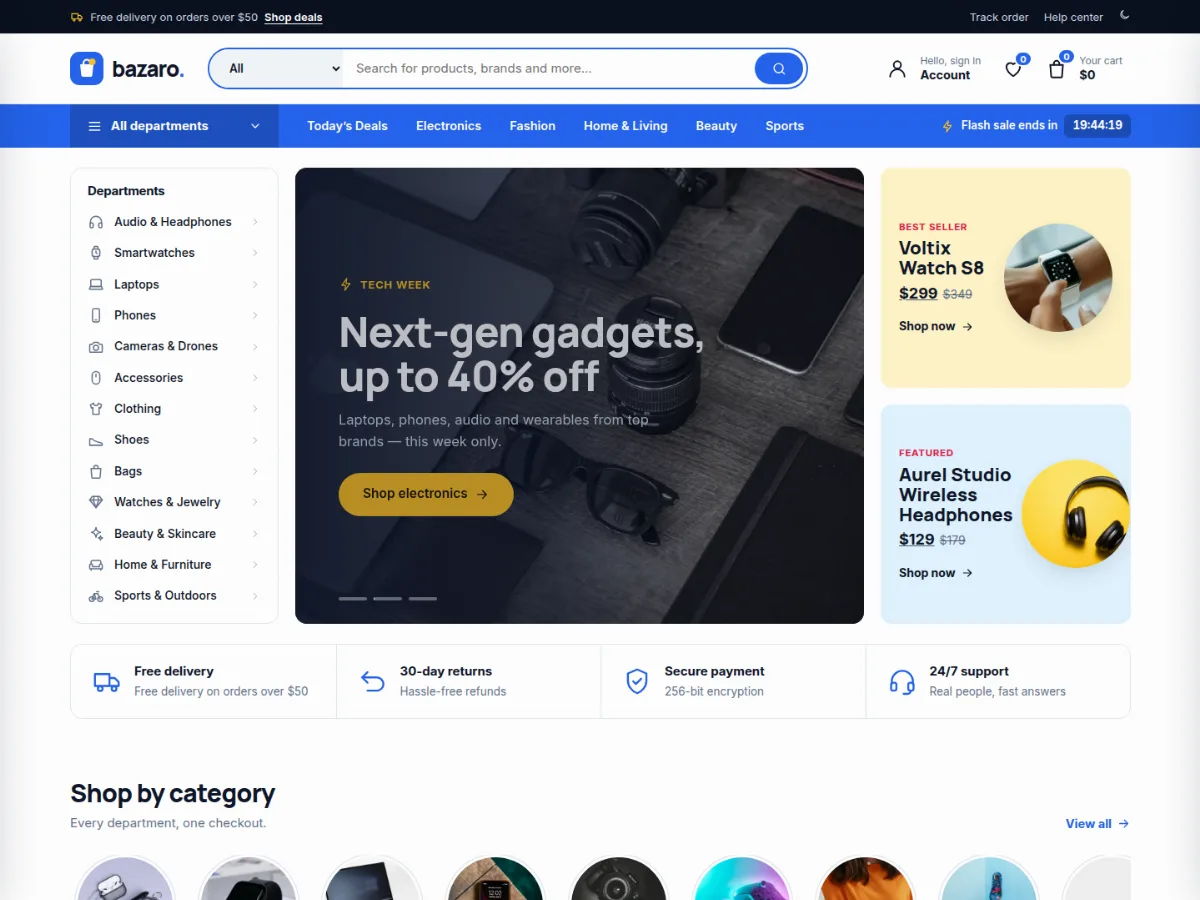
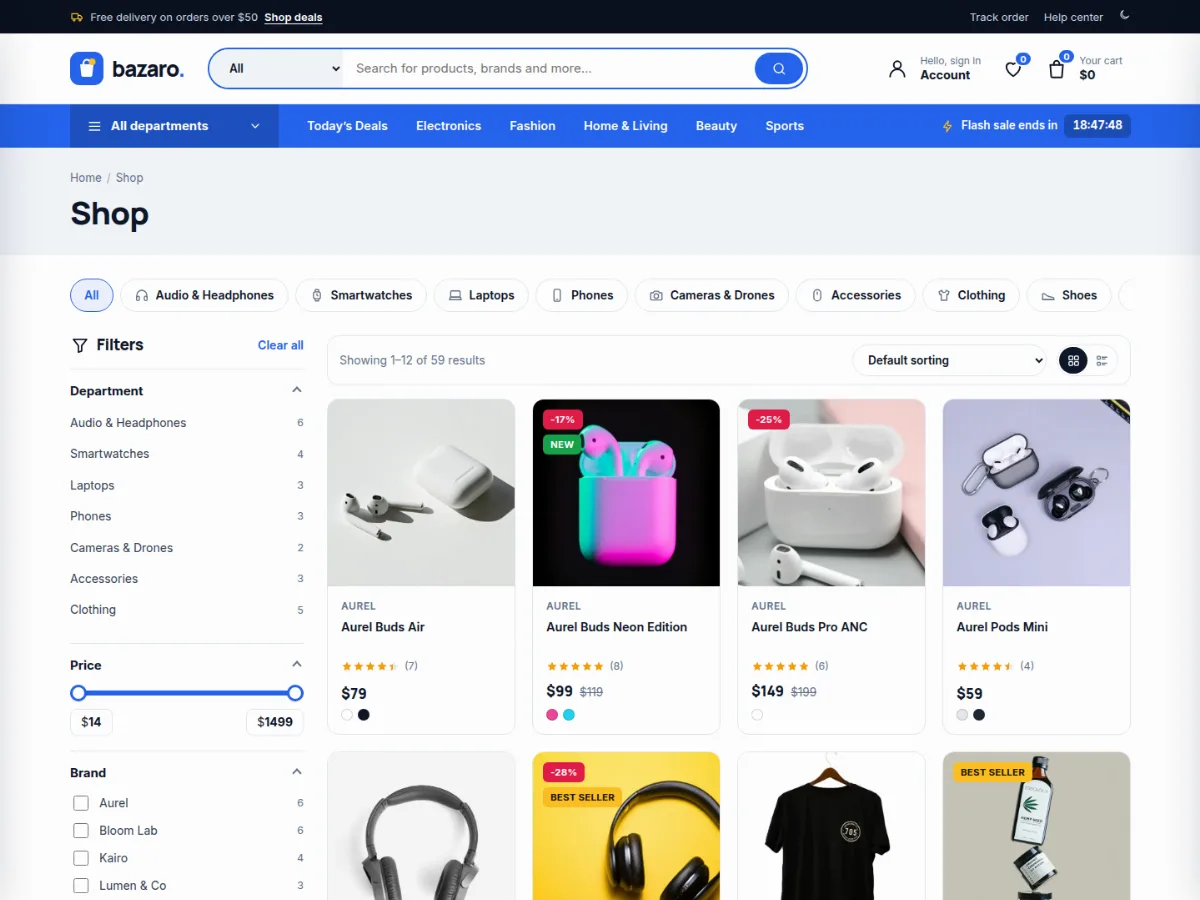
Bazaro is a free WooCommerce theme built to feel like the big online marketplaces: a giant search bar with department filter, an "All departments" menu, flash deals with live countdowns, best-seller tabs, brand walls and product cards with ratings, discounts, colour swatches and stock bars.
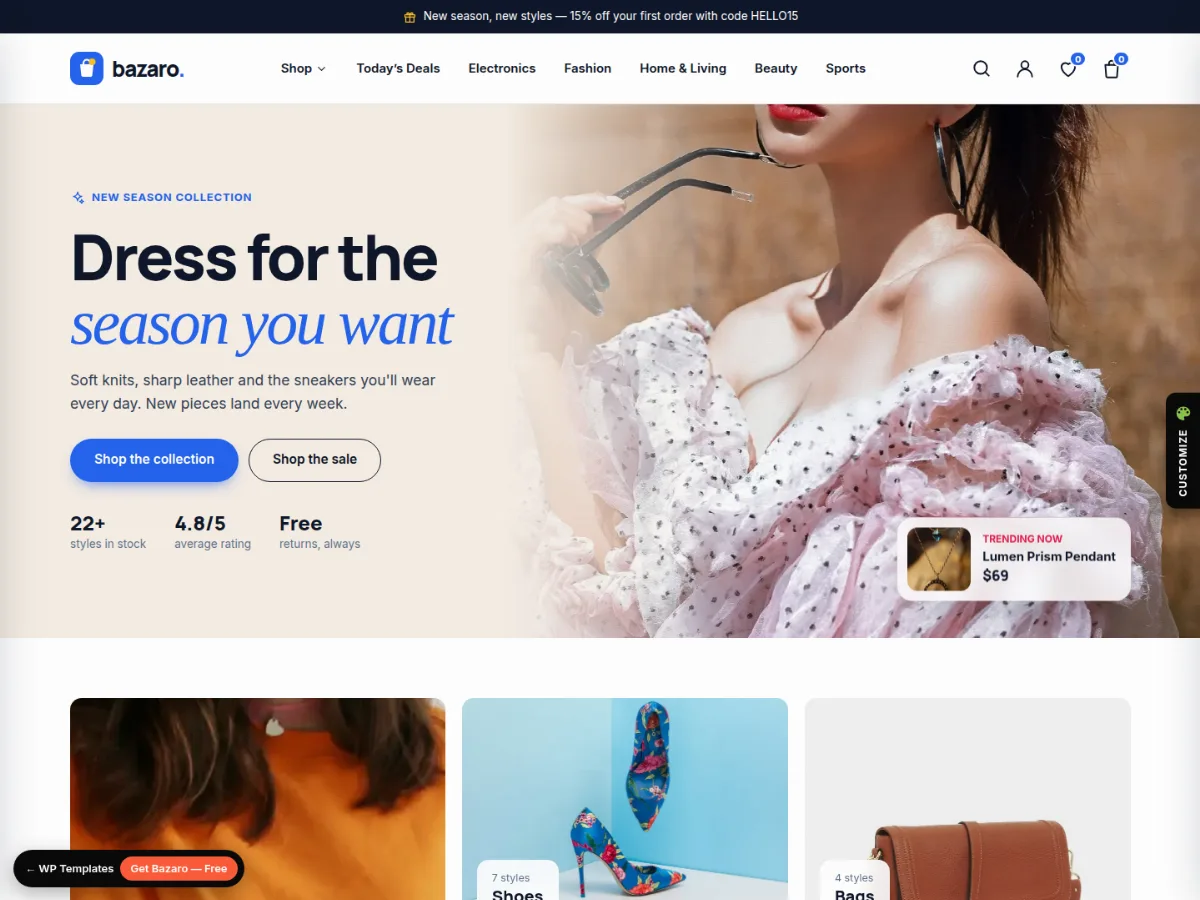
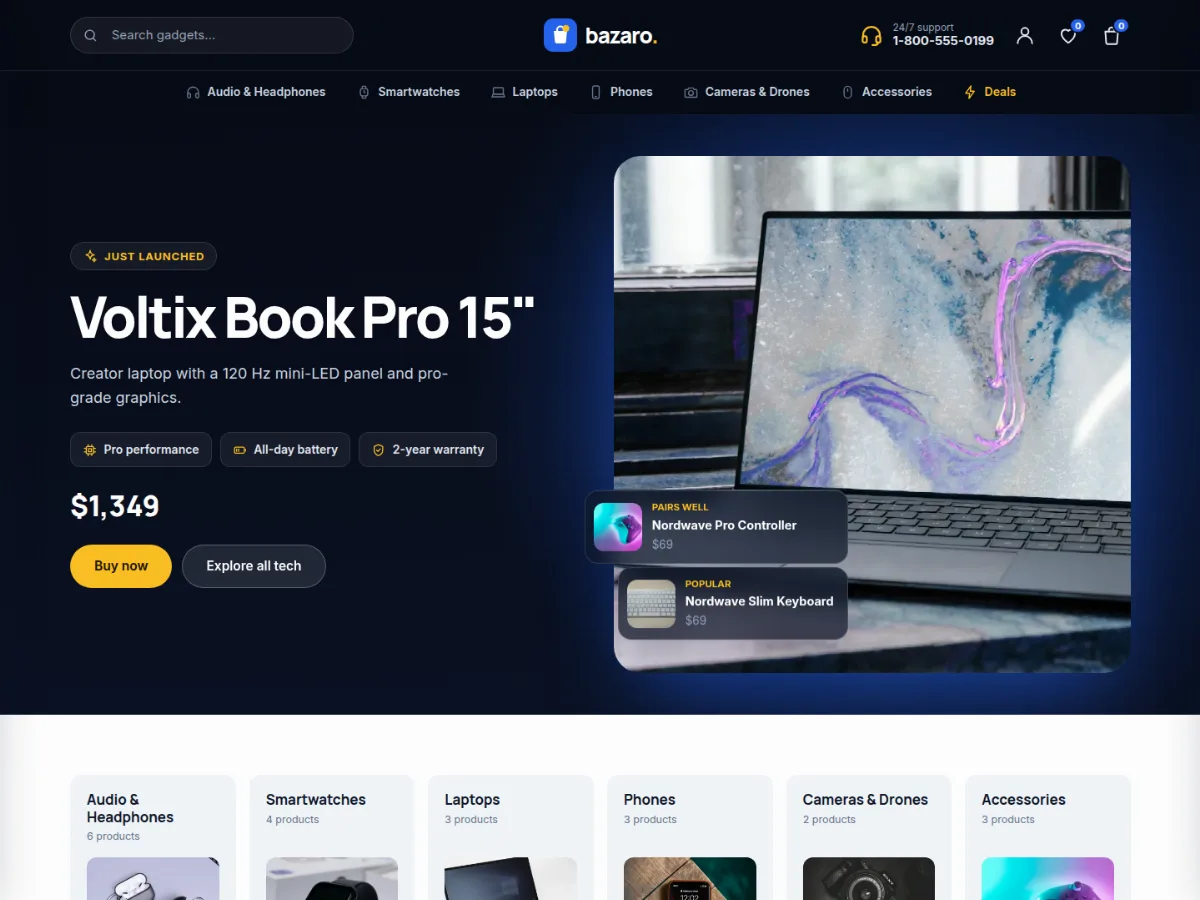
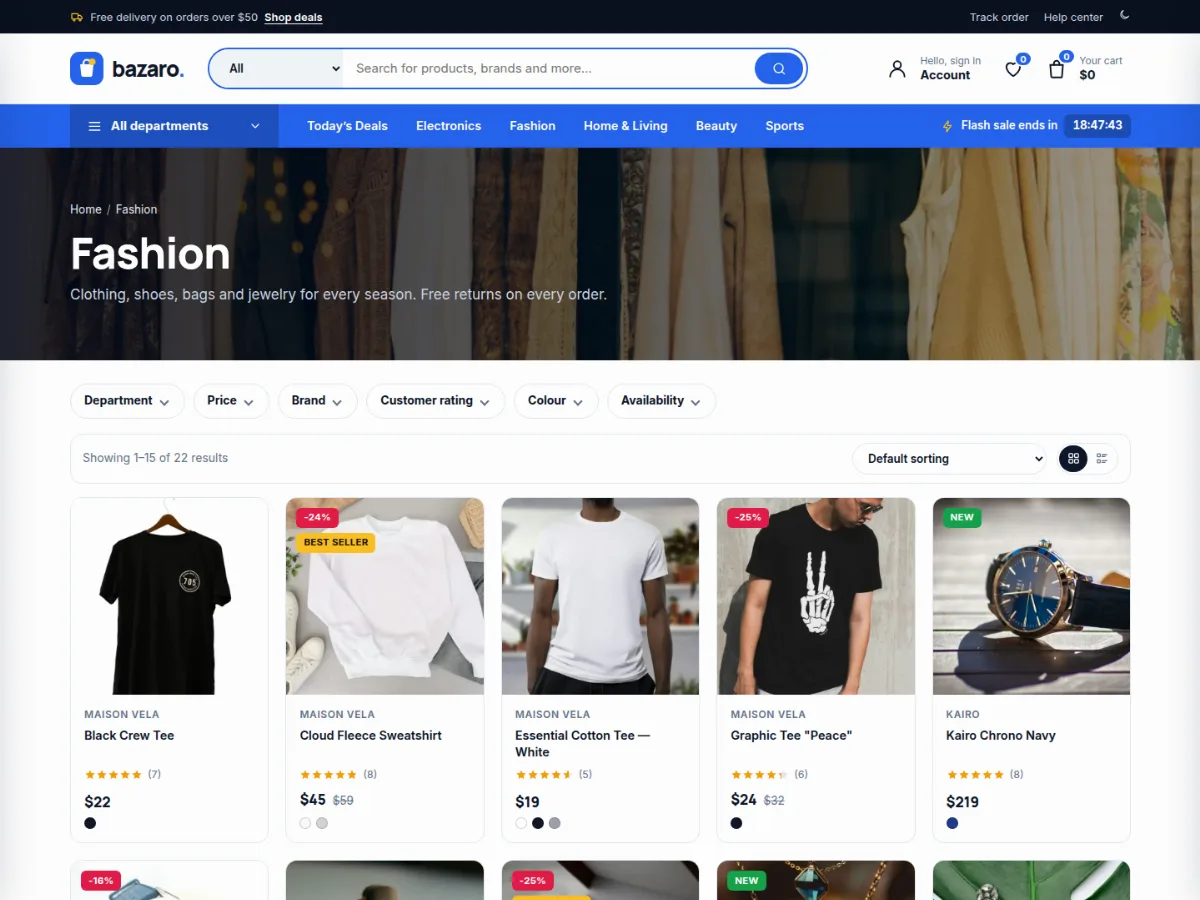
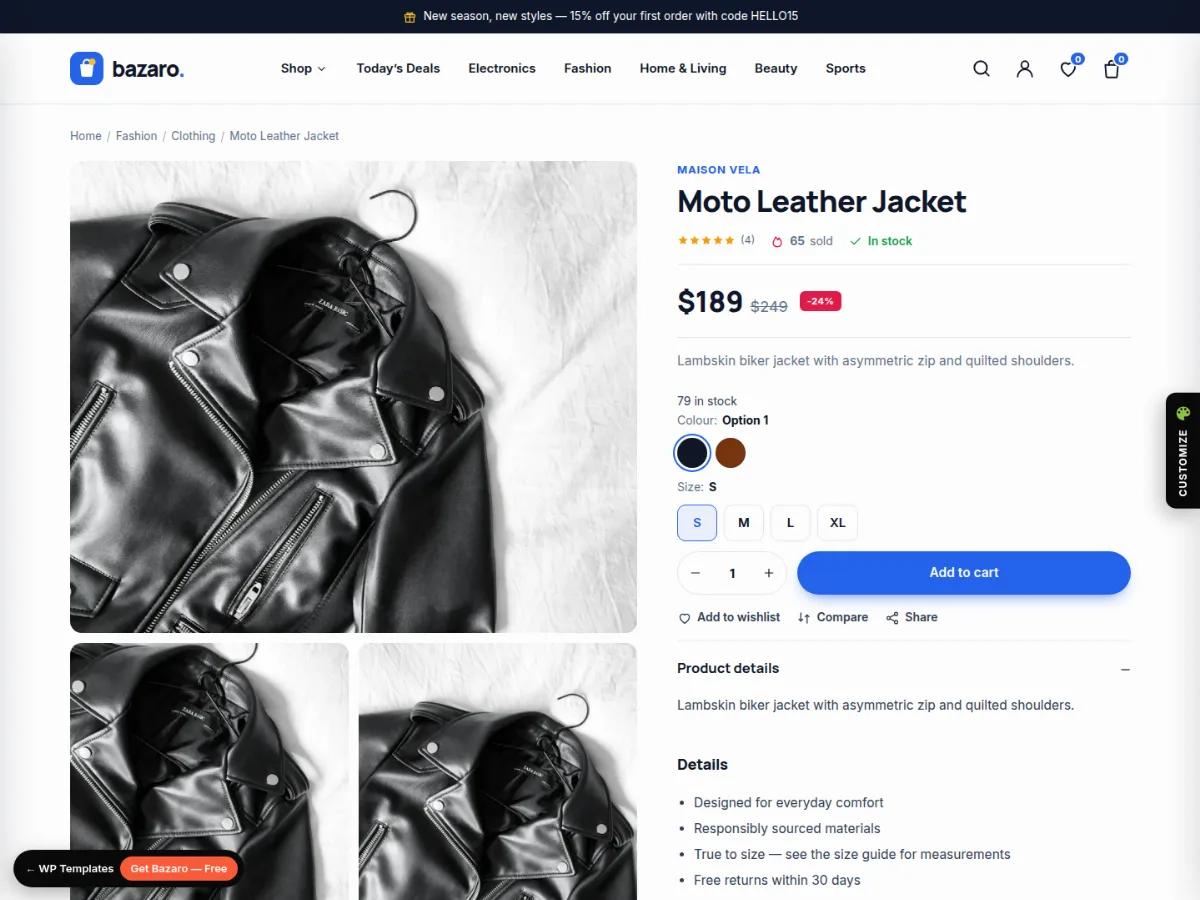
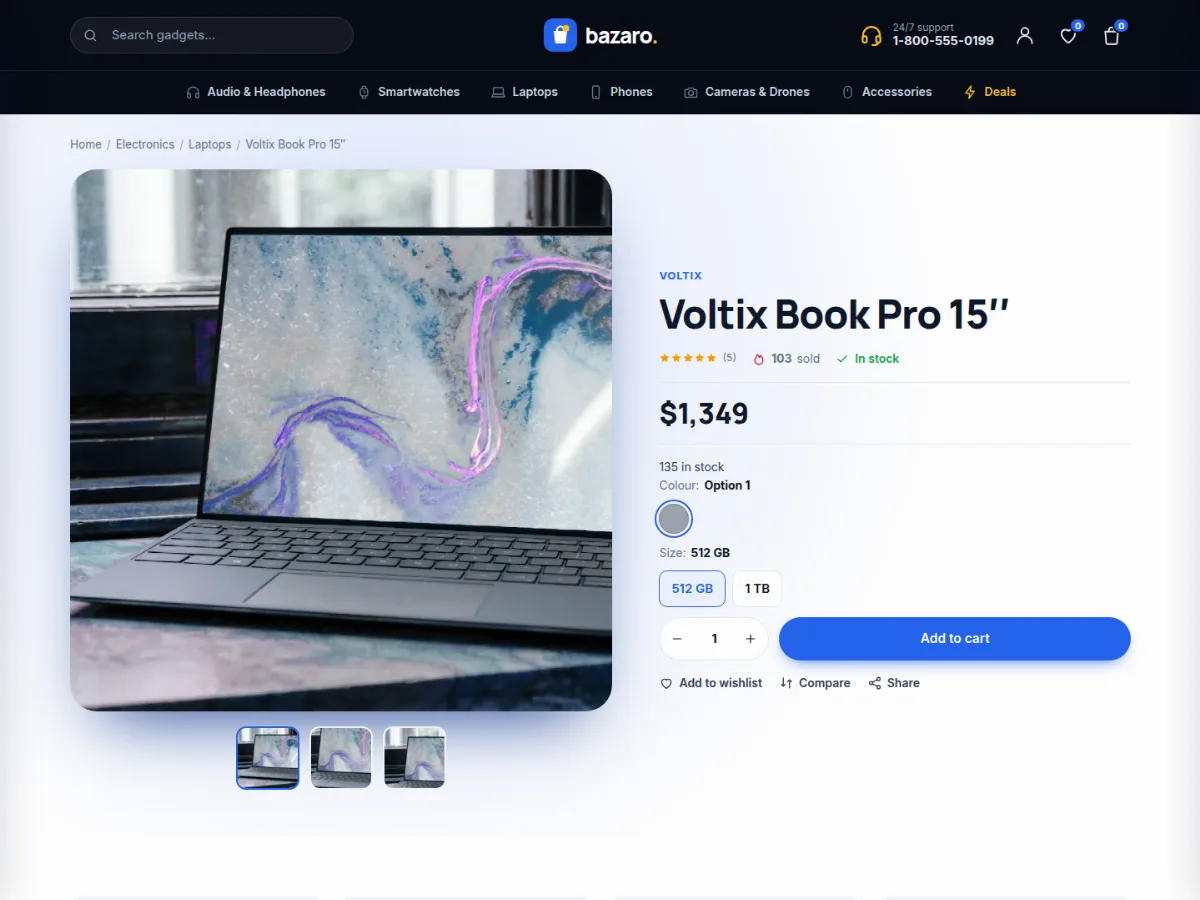
It ships with prebuilt designs, three of each: Home 1 — Mega Store, Home 2 — Fashion and Home 3 — Electronics; three header styles (Mega store, Classic boutique with mega menu, Tech); three shop layouts (grid with filters, list, full width with filter bar) and three product page layouts (Classic, Gallery, Showcase). Pick a default in the Customizer and override it per page, per category or per product.
Shopping is fast: AJAX add to cart with a slide-out cart drawer and free-shipping progress bar, live product search with suggestions, quick view, wishlist, compare, recently viewed, size and colour pickers saved with the order, and shop filters for price, brand, rating, colour and sale items. The live demo is a real WooCommerce store — add to cart and check out to try it.
Bazaro comes in two editions with the same designs: the WooCommerce theme, and an HTML template (14 pages of HTML5, CSS3 and vanilla JavaScript with a working cart, checkout and filters in the browser). Download either one, or both in one package.
Prebuilt Designs
- 3 home pages: Mega Store, Fashion, Electronics
- 3 header styles: Mega store, Classic boutique, Tech (per page)
- 3 shop layouts: grid + filters, list, full width + filter bar (per category)
- 3 product layouts: Classic, Gallery, Showcase (per product)
HTML Template Edition
- 14 pages with the same designs
- Cart, wishlist, coupons and checkout work in the browser
- Shop filters, sorting and pagination in vanilla JS
- Full documentation included
Shopping
- AJAX add to cart with slide-out cart drawer
- Free-shipping progress bar
- Live product search with suggestions
- Quick view, wishlist, compare, recently viewed
- Size & colour pickers saved with the order
- Frequently bought together bundle
Merchandising
- Flash deals and deal of the day with countdowns
- Sold / available stock bars
- Best-seller tabs by department
- Brand wall (WooCommerce Brands)
- Sale, new and best-seller badges
Shop Filters
- Department, price range, brand, rating, colour, on sale
- Grid / list view toggle
- Sorting and pagination
Design & Customizer
- Primary and accent colours
- Dark mode switch
- Hero slides, banners and texts
- Department icons per category
- Live demo colour customizer
Installation
- Download the theme zip from this page (free account required).
- In WordPress go to Appearance › Themes › Add New › Upload Theme, choose bazaro-wp-theme-1.0.0.zip and click Activate.
- Install and activate WooCommerce (and One Click Demo Import for the demo store).
- Go to Appearance › Import Demo Data and click Import — products, reviews, pages, menus and settings are created in a few minutes.
- Set colours, header style and layouts in Appearance › Customize › Layouts & Designs.
Changelog
Version 1.0.0 — 3 November 2026
- Initial release.
Credits
- Inter font — SIL Open Font License 1.1
- Manrope font — SIL Open Font License 1.1
- Icons (inline SVG, drawn for the theme) — GPLv2 or later
- Demo photos (Unsplash) — Unsplash License