Alan WP Theme
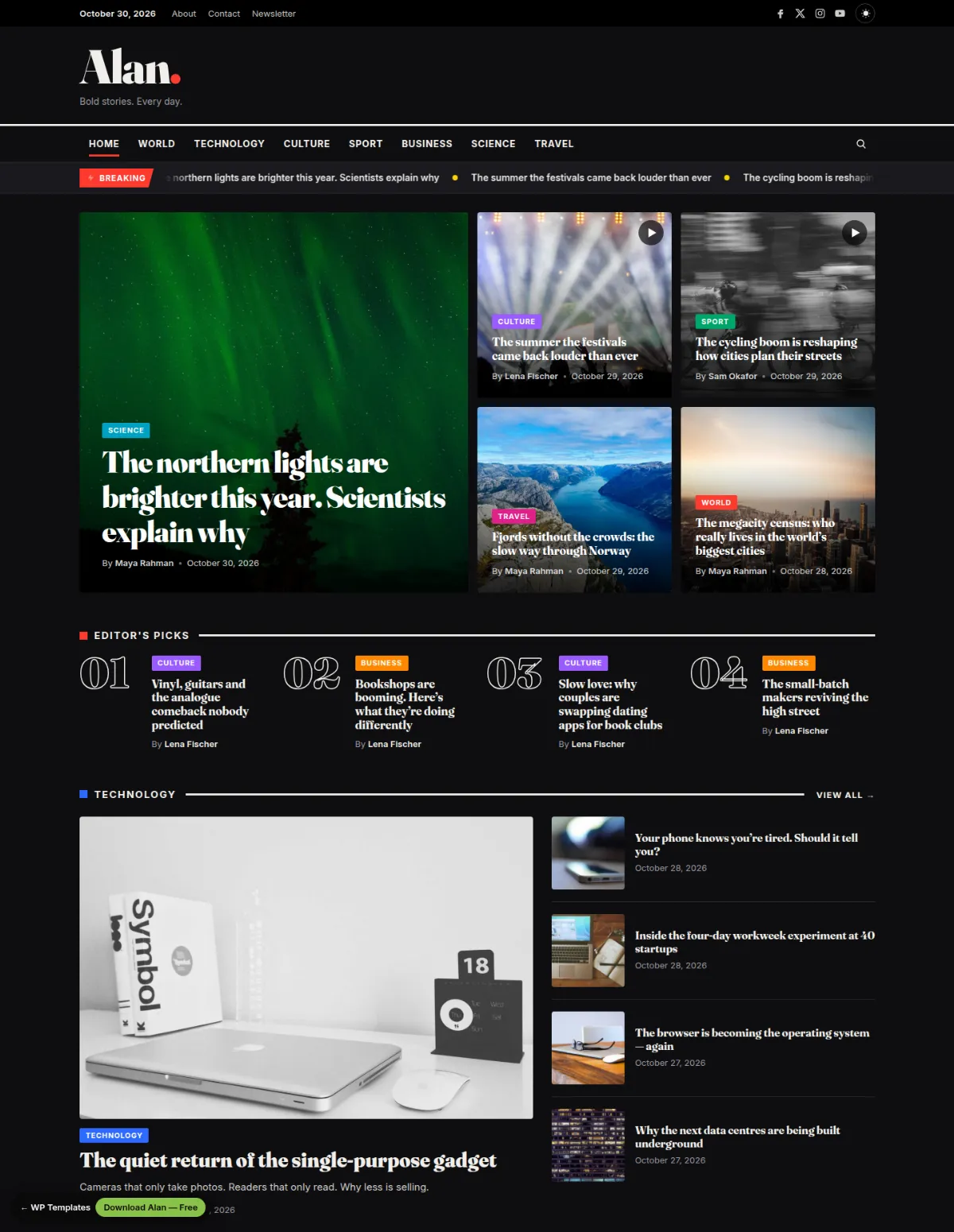
Alan is a free news and magazine theme with an editorial look: a big serif masthead, a breaking-news ticker and colour-coded sections. It is built for publishers who want a front page that feels like a newspaper while staying fast and simple to run.
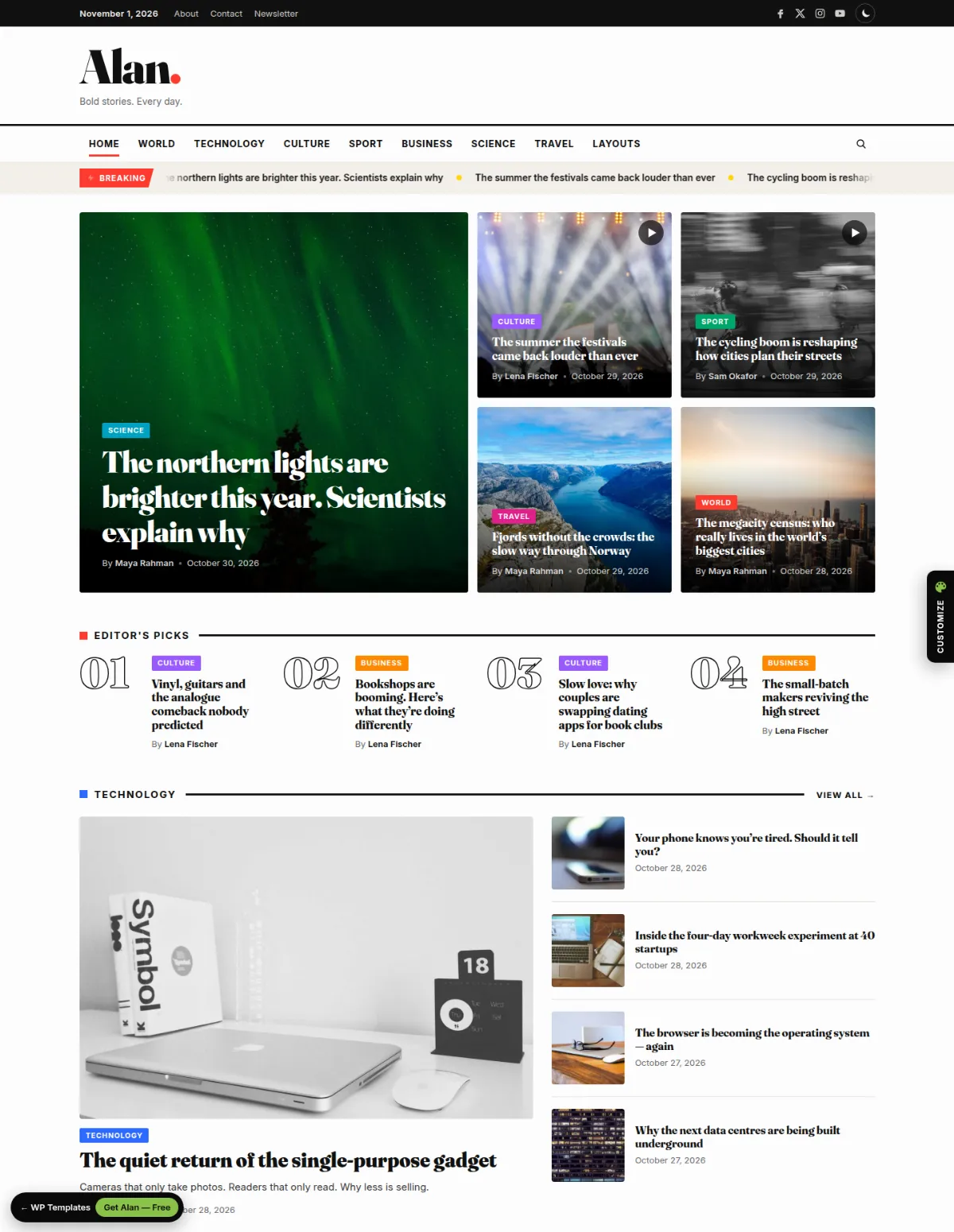
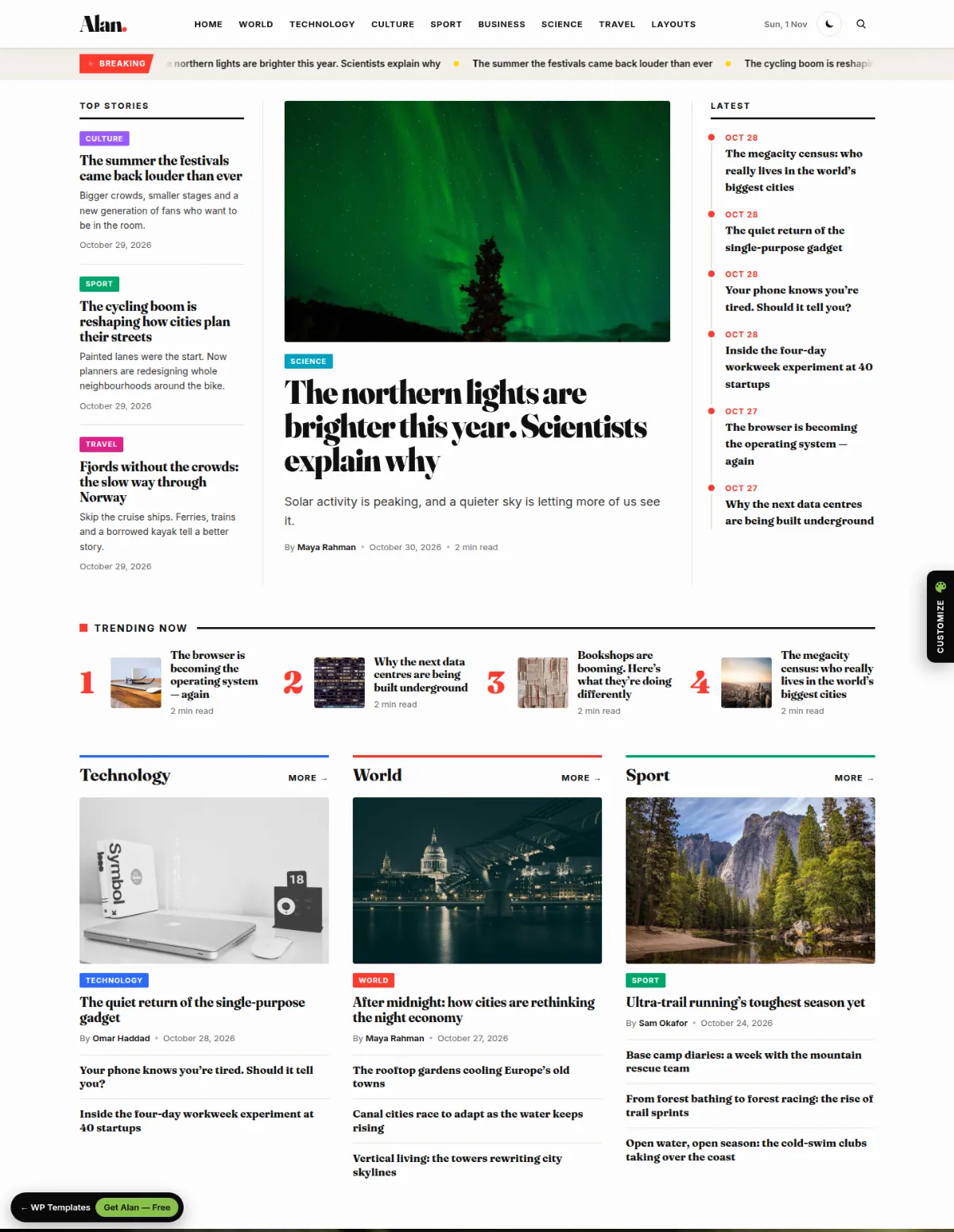
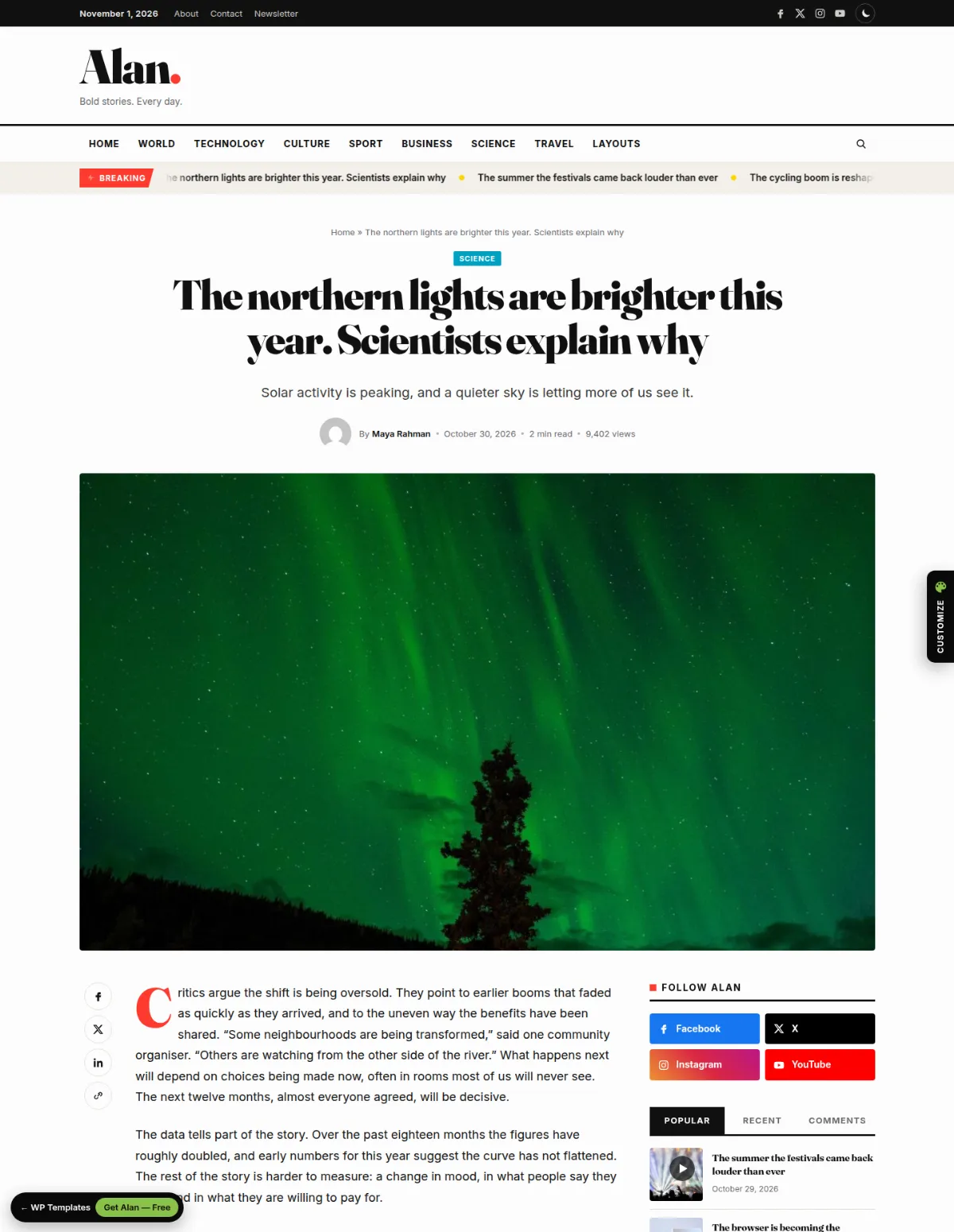
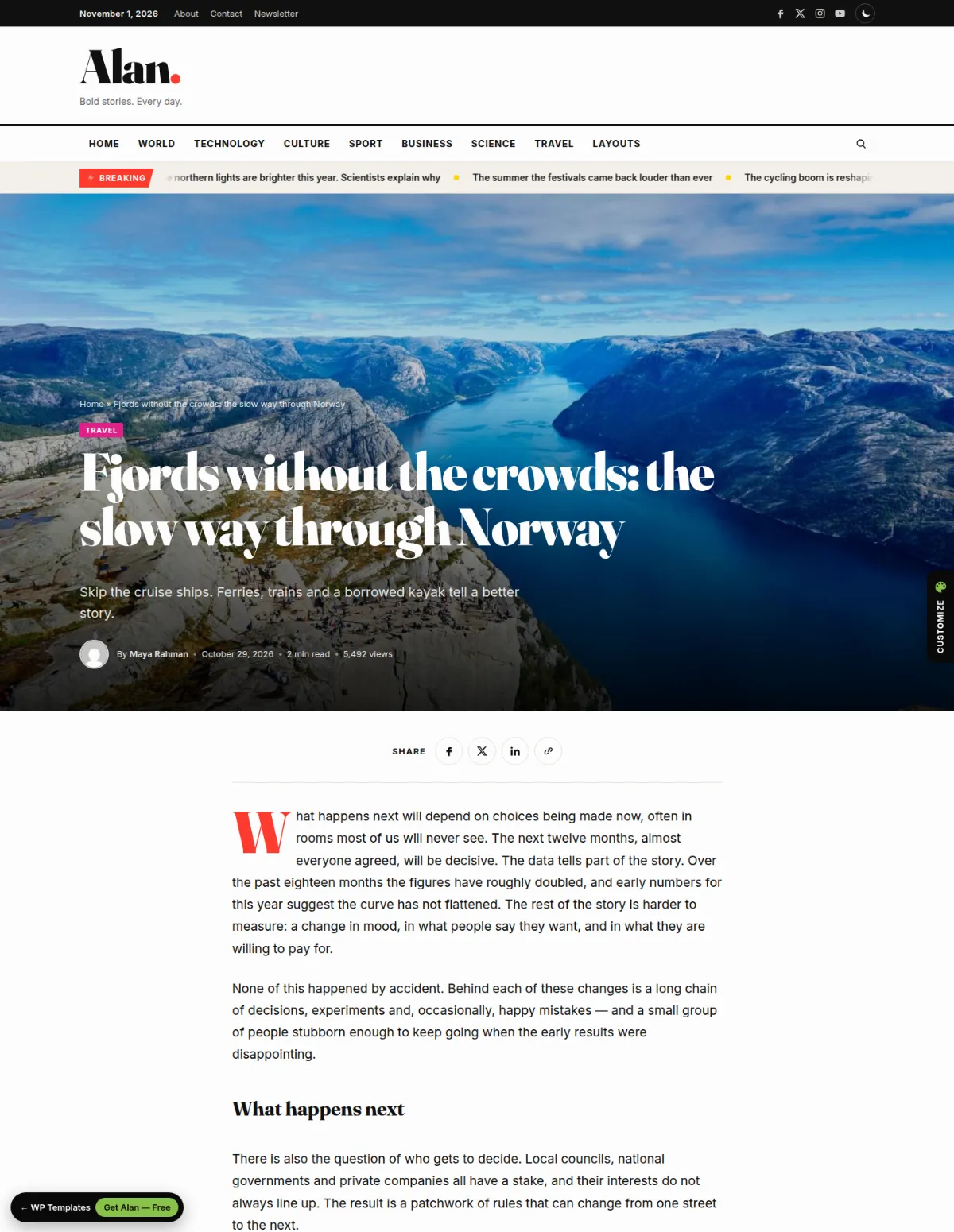
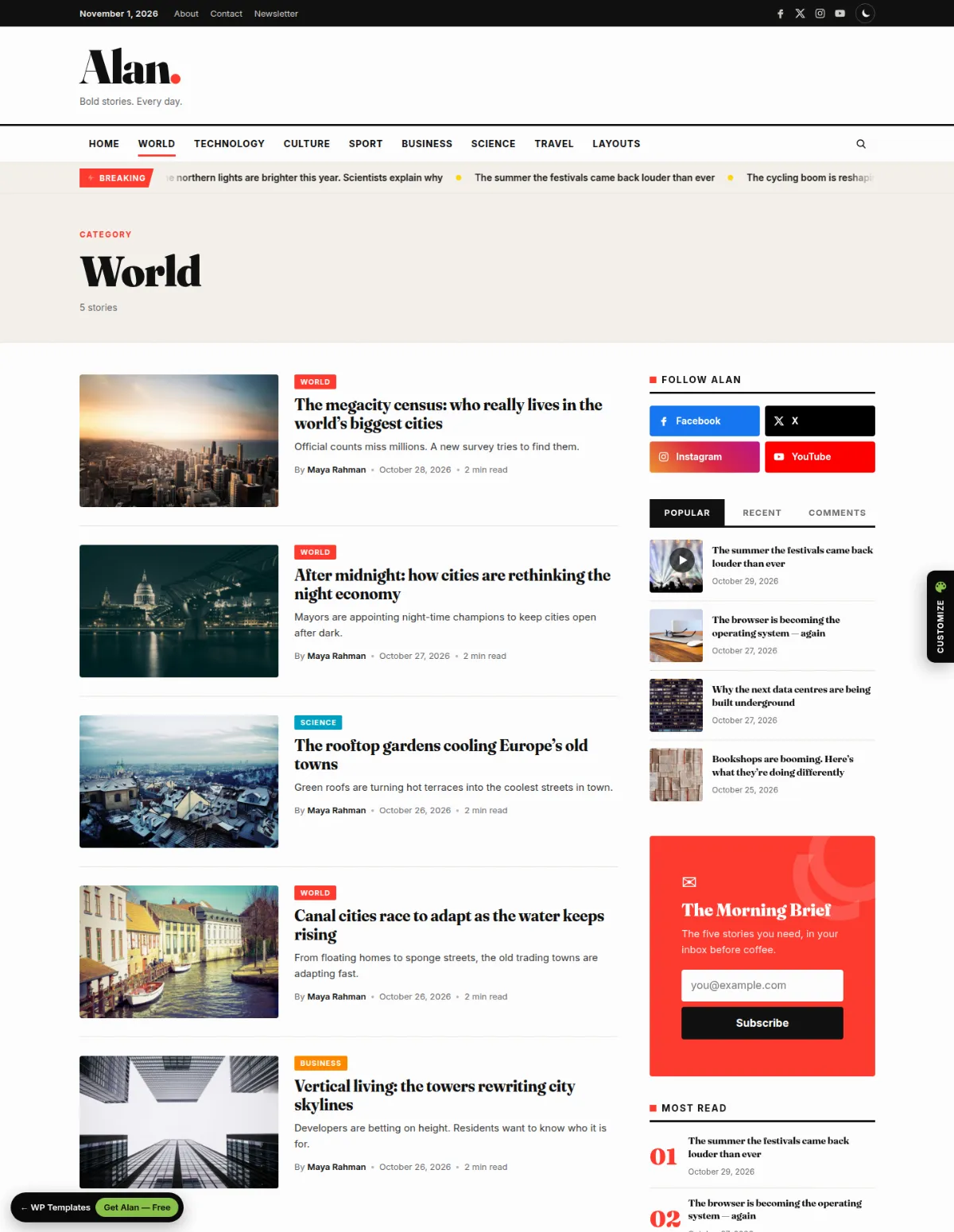
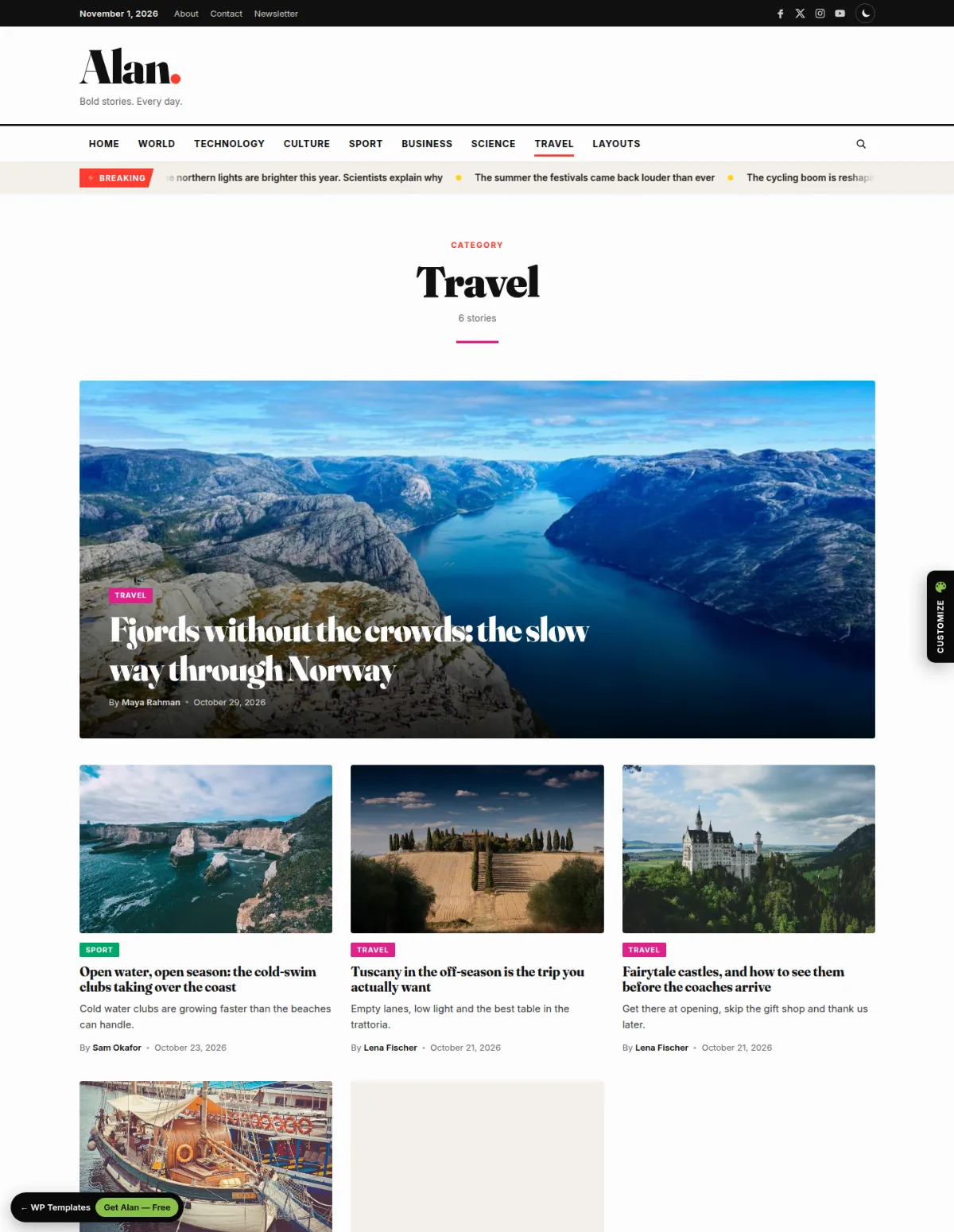
Alan comes with prebuilt designs, two of each: Home 1 (Magazine, with a mosaic hero) and Home 2 (Editorial, a newspaper-style front page), a classic or compact header, a classic or immersive single-post layout, and list or grid category pages. Pick the defaults under Customize › Alan Theme Options › Layouts & Designs, then override them per page, per post or per category.
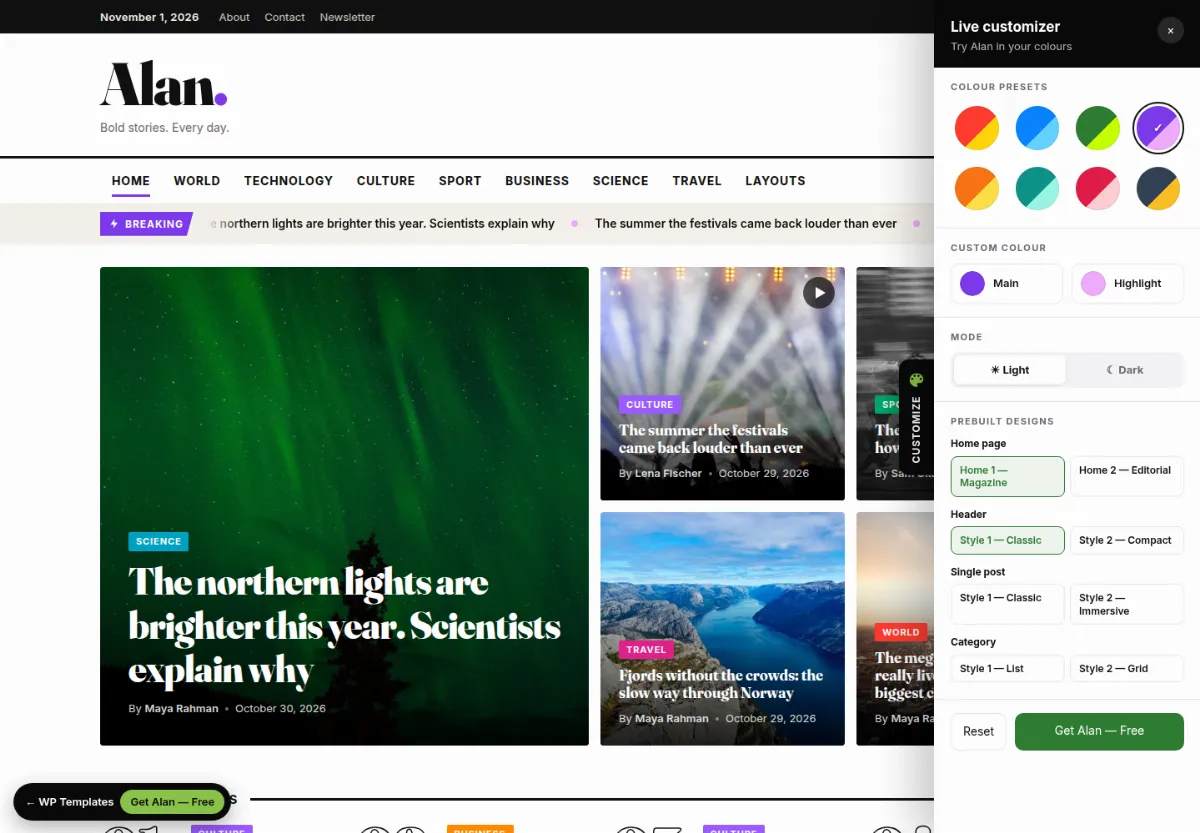
Open the live preview and use the Customize panel on the right to try Alan in any colour, in light or dark mode, and jump between every design. Import the demo with one click to start from exactly what you see.
Alan comes in two editions with the same designs: the WordPress theme, and an HTML template (11 pages of plain HTML5, CSS3 and vanilla JavaScript with full documentation) for static sites or custom backends. Download either one, or both in one package.
Prebuilt Designs
- 2 home page designs: Home 1 — Magazine and Home 2 — Editorial
- 2 header styles: Classic masthead and Compact bar (per page or post)
- 2 single-post layouts: Classic with sidebar and Immersive full-width cover (per post)
- 2 archive layouts: List with sidebar and Card grid (per category)
- Layouts & Designs section in the Customizer for site-wide defaults
- Every design included in the one-click demo import
HTML Template Edition
- 11 ready pages: 2 home pages, 2 post layouts, 2 category layouts, author, search, about, contact, 404
- Plain HTML5, CSS3 and vanilla JavaScript — no frameworks and no build step
- Colours in CSS variables, light/dark mode, sticky menu, search overlay and ticker
- Full documentation included (documentation/index.html)
Theme Features
- Mosaic or split hero with an Editor's Picks strip
- Breaking-news ticker (category, label, count, speed)
- Three configurable category blocks: feature + list, grid of four, dark overlay cards
- Light and dark colour schemes with an optional visitor switch
- Per-category badge colours
- Reading time, view counter and reading progress bar
Post Features
- Share buttons with a sticky rail on desktop
- Author box, related posts and previous / next links
- Block styles: pull quote, kicker, callout, drop cap
- Patterns: key facts, pull quote, live update
Widgets & Layout
- Seven widgets: Posts, Tabbed Posts, Categories, Social Profiles, About, Newsletter, Ad Banner
- Eight widget areas incl. header banner and four footer columns
- Magazine Home and Full Width page templates
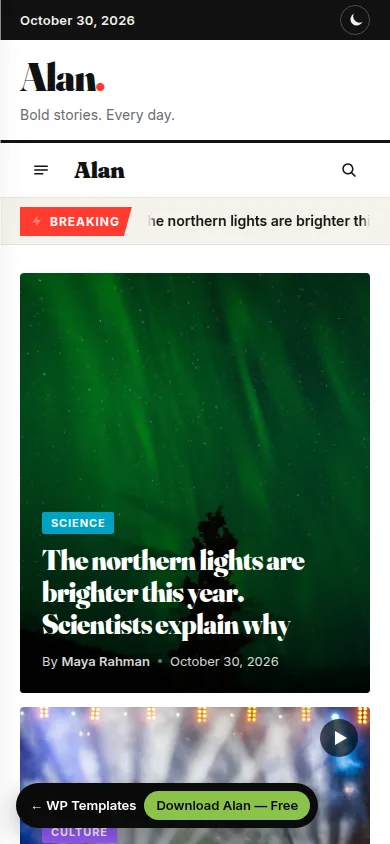
- Search overlay, sticky navigation and mobile drawer menu
What You Get
- Installable theme zip (GPLv2)
- One-click demo content: posts, menus, widgets and settings
- Getting-started screen with recommended-plugin installer
- Free updates
Installation
- Download the theme zip from this page (free account required).
- In WordPress go to Appearance › Themes › Add New › Upload Theme, choose alan-wp-theme-1.1.0.zip and click Activate.
- Open Appearance › Alan Theme and install the recommended plugins.
- Optional: go to Appearance › Import Demo Data to load the demo posts, menus, widgets, settings and every prebuilt design.
- Pick your designs under Appearance › Customize › Alan Theme Options › Layouts & Designs.
Changelog
Version 1.1.0 — 1 November 2026
- New: Home 2 — Editorial page template.
- New: Compact header style, selectable site-wide or per page/post.
- New: Immersive single-post layout, selectable site-wide or per post.
- New: Grid archive layout, selectable site-wide or per category.
- New: Customize › Alan Theme Options › Layouts & Designs.
- Fix: the sticky navigation bar now stays visible for the whole page.
- Archive titles no longer repeat the "Category:" prefix.
- New: HTML template edition (11 pages, documentation included).
Version 1.0.0 — 30 October 2026
- Initial release.
Credits
- Fraunces font — SIL Open Font License 1.1
- Inter font — SIL Open Font License 1.1
- Icons (inline SVG, drawn for the theme) — GPLv2 or later
- Demo photos (Lorem Picsum / Unsplash) — Unsplash License